13
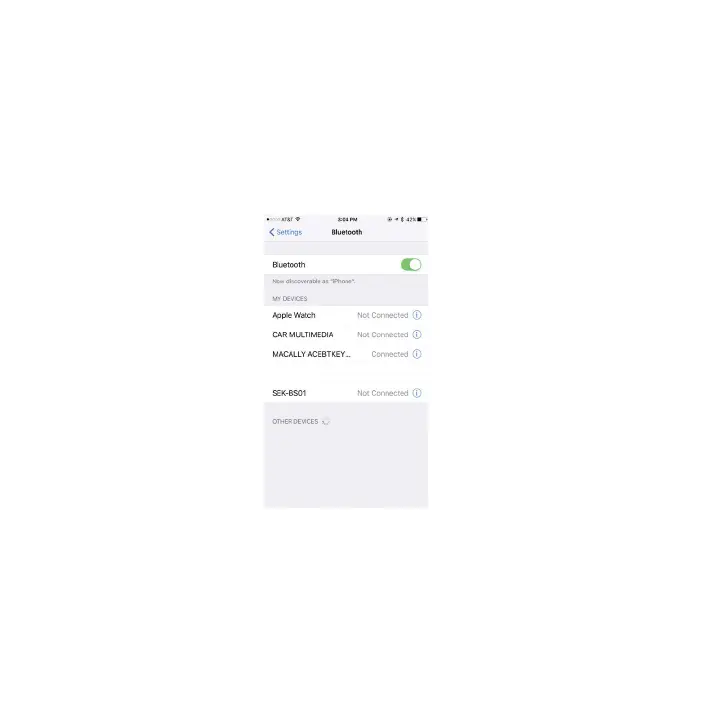
4. Once it finds and displays MacallyBluetoothKeyboard or similar name, select it to pair with Macally
Bluetooth Keyboard.
5. After pairing is successfully completed, it will show “Macally Bluetooth Keyboard.... connected”.
It is ready to be used with your iPad or iPhone.
Please note that if you are using a different iOS version, your screen may differ from the above diagrams.


 To Next Page