7
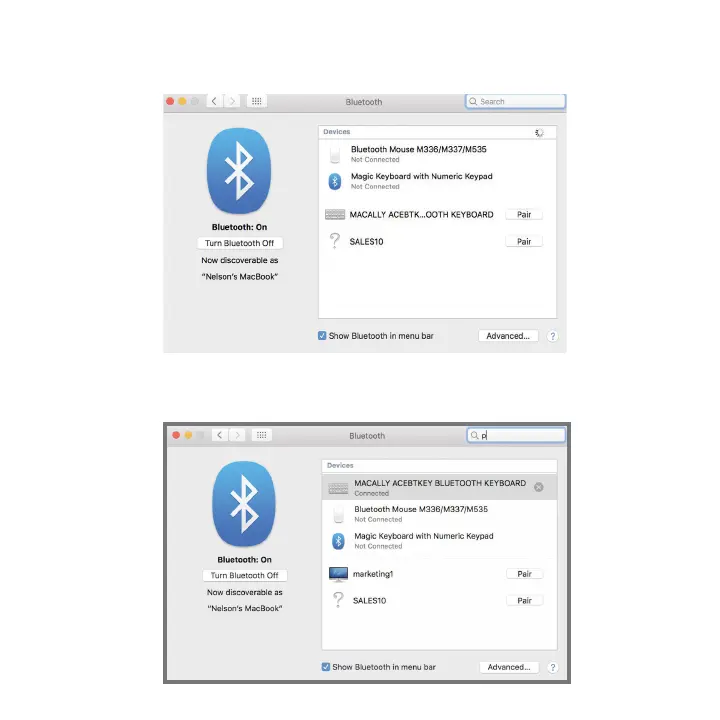
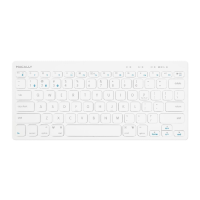
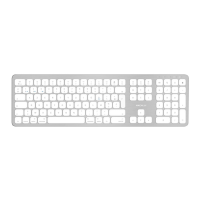
3. From the Bluetooth screen, wait for the Macally Bluetooth Keyboard to show up then click on "Pair" or “connect” to add it .
NOTE: It may take up to a minute for the device to show up on the scree
4: Once pairing is completed the Bluetooth keyboard will show "Connected". If you are having issues
connecting, try turning Bluetooth in your Mac off then turn on and try re-pairing the keyboard again.


 To Next Page