20
SDR 24/96
SDR 24/96
Frame Rate
There are four standard time code frame
rates, each developed for a specific
application. In addition, two of the frame
rates have variations called drop-frame,
mostly used by broadcasters to correct timing issues caused by the 29.97 frame
rate. Use Frame Rate (SETUP:Sync:FrRate) to set the time code frame rate to one
of the following settings: 24, 25, 29.97, 29.97 Drop, 30, 30 Drop. If you’re not
involved with video or broadcast applications, 30 frames per second is your best
choice.
Sample Size
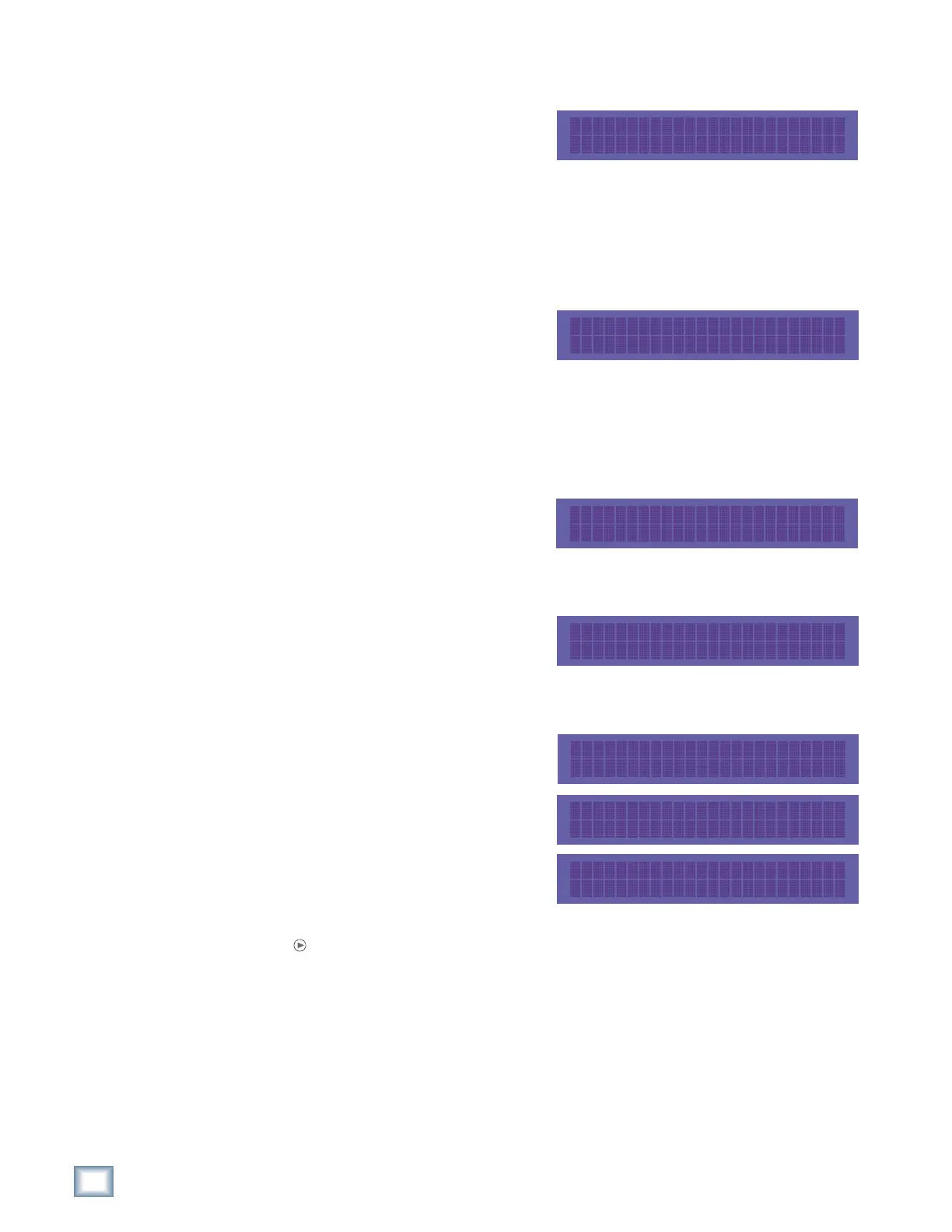
The Sample Size setting
(SETUP:Sync:Page Right:SSize)
determines how many bits are contained
in each audio sample recorded to disk
(the bit “resolution”). While 16-Bit audio takes up 1/3 less disk space than 24-Bit
audio, 24-Bit audio offers the potential for greater dynamic range (the difference
between the softest and loudest sounds that can be recorded) and captures a more
accurate “image” of the sound. The selected sample size appears in the status display.
LTC Output
This setting turns the SMPTE LTC OUT
on or off (SETUP:Sync:Page Right:
Ltc0). Turn this on when the SDR24/96 is
generating master SMPTE time code.
MTC Output
This setting turns MIDI time code on or
off at the MIDI OUT jack
(SETUP:Sync:Page Right:Mtc0). Turn
this on when the SDR24/96 is generating
master MIDI time code (MTC).
Varispeed
The Varispeed setting (SETUP:Sync:Page
Right:VariSp) allows you to speed up or
slow down the playback speed in
percentages (an increase of 1 percent
means it only takes 0.9 seconds to play
back a second music) or semitones (an
increase of 1 semitone is a half-step on
the musical scale). It does this by varying
the sample rate speed.
Select Units to toggle between percent (%) and semitones (sem). Press the Page
Right
button to access the increment (Inc) and decrement (Dec) controls to
adjust the speed. Select Zero to return to 0% (no change in speed). The VARI LED
lights in the status display whenever varispeed is activated.
GENERATE MTC: Off
<< >> OK
VARISPEED: +1.00 % >
Units Zero OK Cancel
VARISPEED: +1.00 sem >
Units Zero OK Cancel
< VARISPEED: +1.00 %
<< >> Inc Dec
SAMPLE SIZE: 16 bit
<< >> OK
GENERATE LTC: Off
<< >> OK



 To Next Page