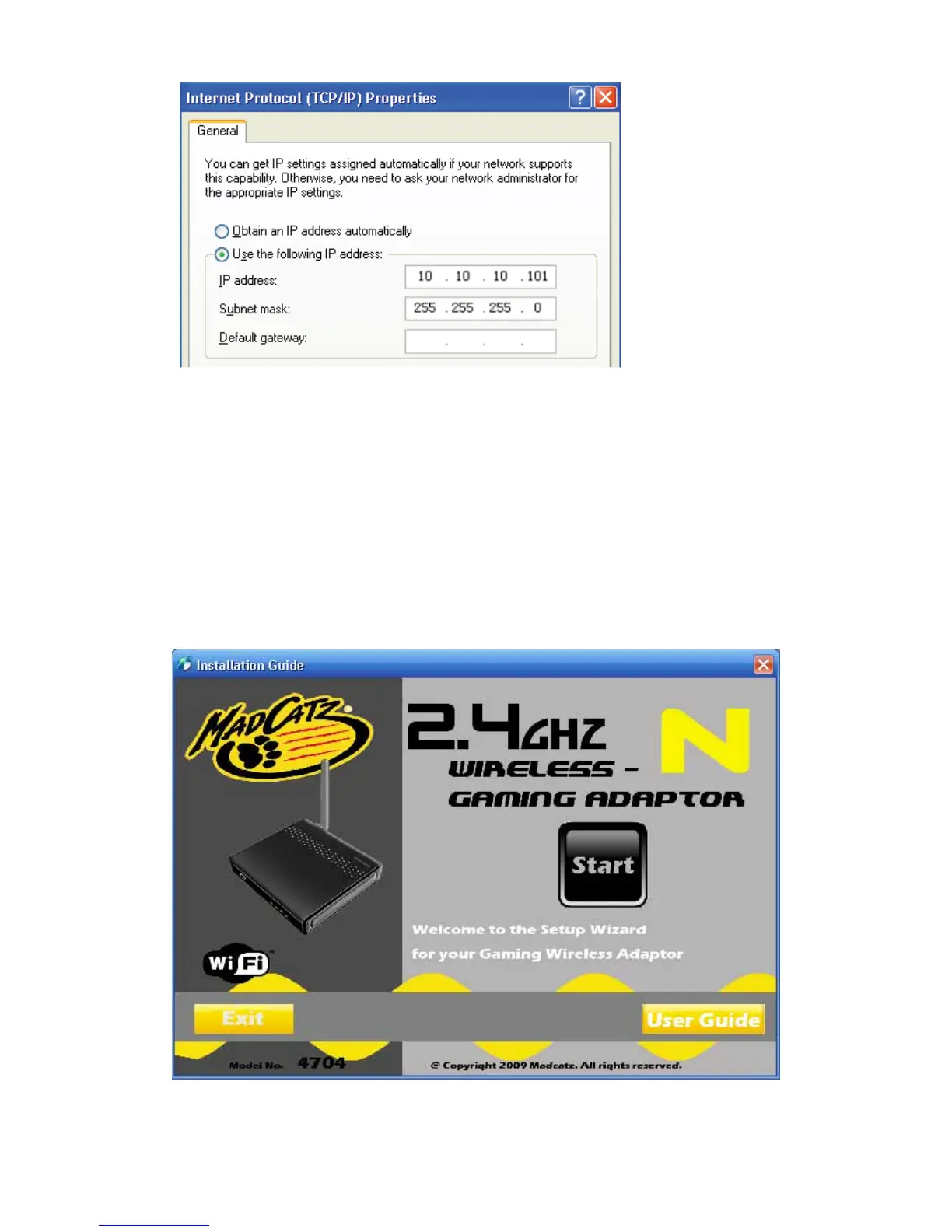
NOTE: If numbers are already present in the IP address, Subnet Mask and/or
Default gateway fields, be sure to write them down as you will need to re-enter them
so your PC can access the Internet once WGA configuration is complete.
2-2 Gaming Adapter setting
You have two ways to connect the Gaming Adapter to your WAP/Router:
(1). If you have WiFi Protected Setup (WPS) feature on your router, you can use it to
connect your Gaming Adapter to your network easily and automatically.
(2). If you don't have the WPS feature on your router, or you would like to setup
your wireless settings manually, you may login to the Gaming Adapter's web-based
utility through your web browser to do so.
2-2-1 Put the setup CD into your computer, the auto-run interface will appear as
pictured below:
2-2-2 Click 'Start,' you will be prompted to plug in the power adapter as pictured
below:



 To Next Page