GB-12
You need to use the Go Time App for initial setting. Go to the home
screen, press setup and follow the instructions of the device. Refer to the
section “Pairing Go Time App and Candy Tech Go Time using Bluetooth
®
”
for information.
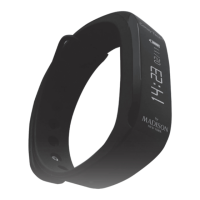
Candy Tech Go Time functions
The Candy Tech Go Time displays training data.
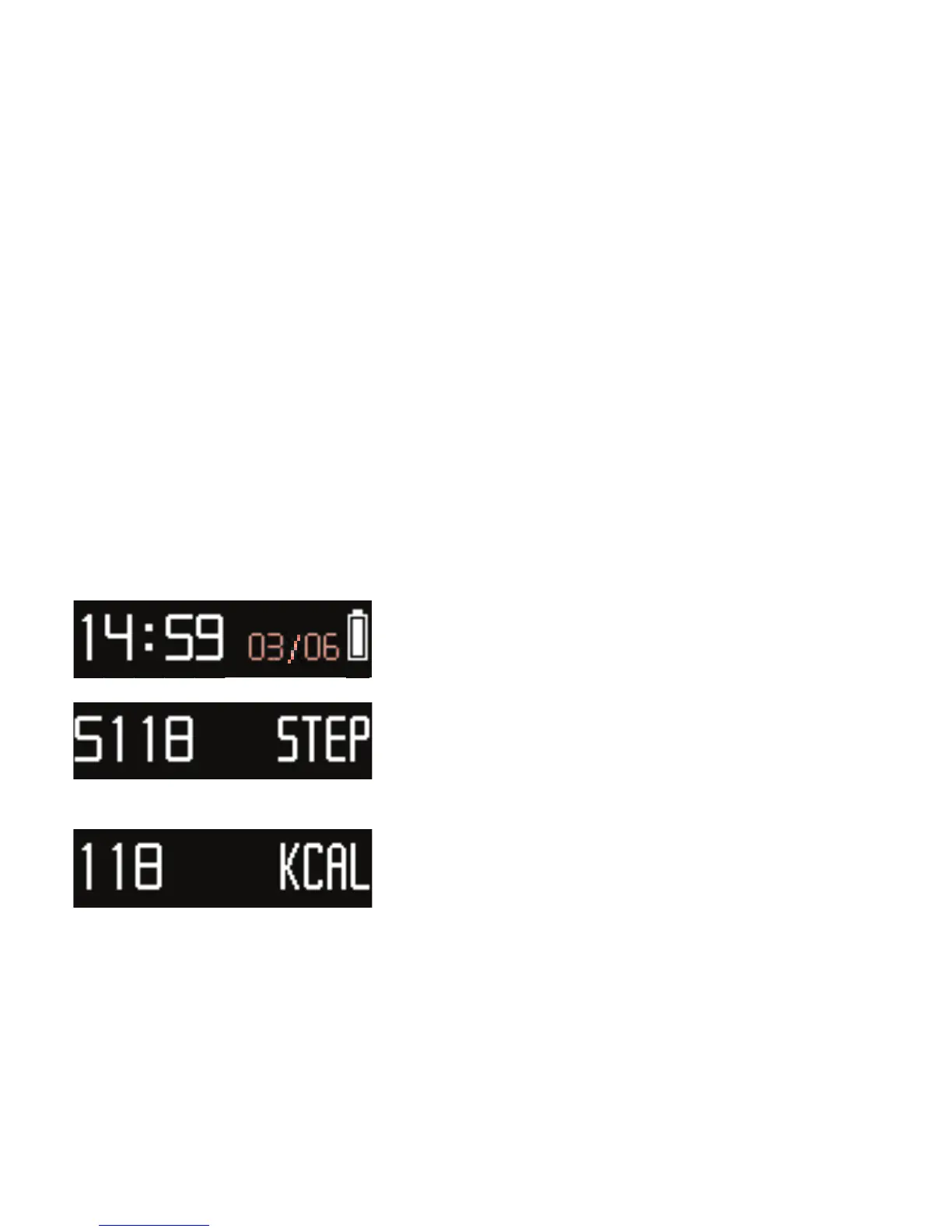
• Exercise mode is the default mode. To
display current time, date and battery status
for 10 seconds, press the function button.
• Press the function button again to display
the step count (walked and run).
Press the function button again to display
the recorded distance
• Press the function button again to display
the amount of calories burned per day.
Exercise mode and Sleep mode


 To Next Page