7
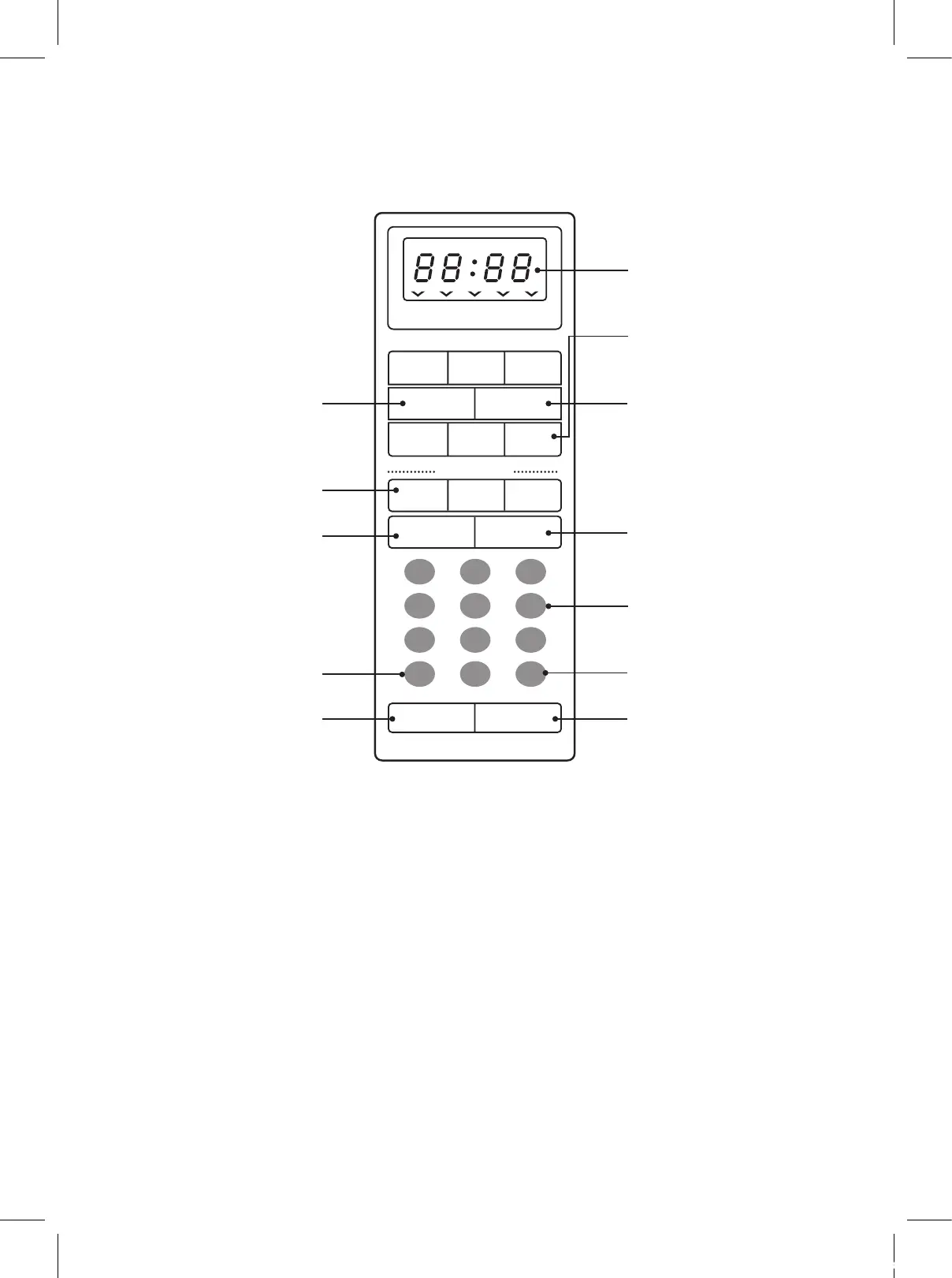
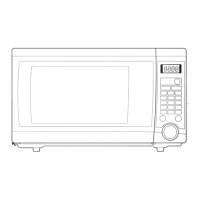
9 TIME SET PAD - Used to set the cooking
time and the present time.
0 DISPLAY - Cooking time, power level,
indicators and present time are displayed.
q ONE TOUCH - Used to cook or reheat
specific quantities of food.
w MORE - Used to add time to cooking.
e LESS - Used to remove time from cooking.
r AUTO DEFROST - Used to defrost foods.
(for weight)
t POWER - Used to set power level.
y DEFROST - Used to defrost foods.(for time)
u KITCHEN TIMER - Used as a minute timer,
delay cooking, hold setting after cooking.
i CLOCK - Used to set clock.
o STOP/CLEAR - Used to stop the oven
operation or to delete the cooking data.
p START /SPEEDY COOK- Used to start the
oven and also used to set a reheat time.
FEATURES DIAGRAM (continued)
M/W
Popcorn
Frozen
Pizza
Dinner
Plate
DEF TIMER LOCK
MCD1311ST
lb
MORE LESS
POWER
1 2 3
4 5 6
7 8 9
0
DEFROST
STOP/CLEAR
START/
SPEEDY COOK
Beverage
Fresh
Vegetable
Frozen
Vegetable
Meat
KITCHEN
TIMER
CLOCK
Poultry
AUTO DEFROST
Fish
0
q
e
w
r
t
u
o
y
9
i
p
CNA_MCD1311ST_R-1B4H0A(영).indd 7 15. 4. 21. 오전 9:31




 To Next Page