EasyManua.ls Logo

Magic Chef MCSCWD27S5 - User Manual

Magic Chef MCSCWD27S5
54 pages
Print Icon
To Next Page IconTo Next Page
Loading...
1
PLEASE READ THIS MANUAL CAREFULLY BEFORE USING YOUR
COMBO WASHER AND DRYER AND KEEP IT FOR FUTURE REFERENCE.
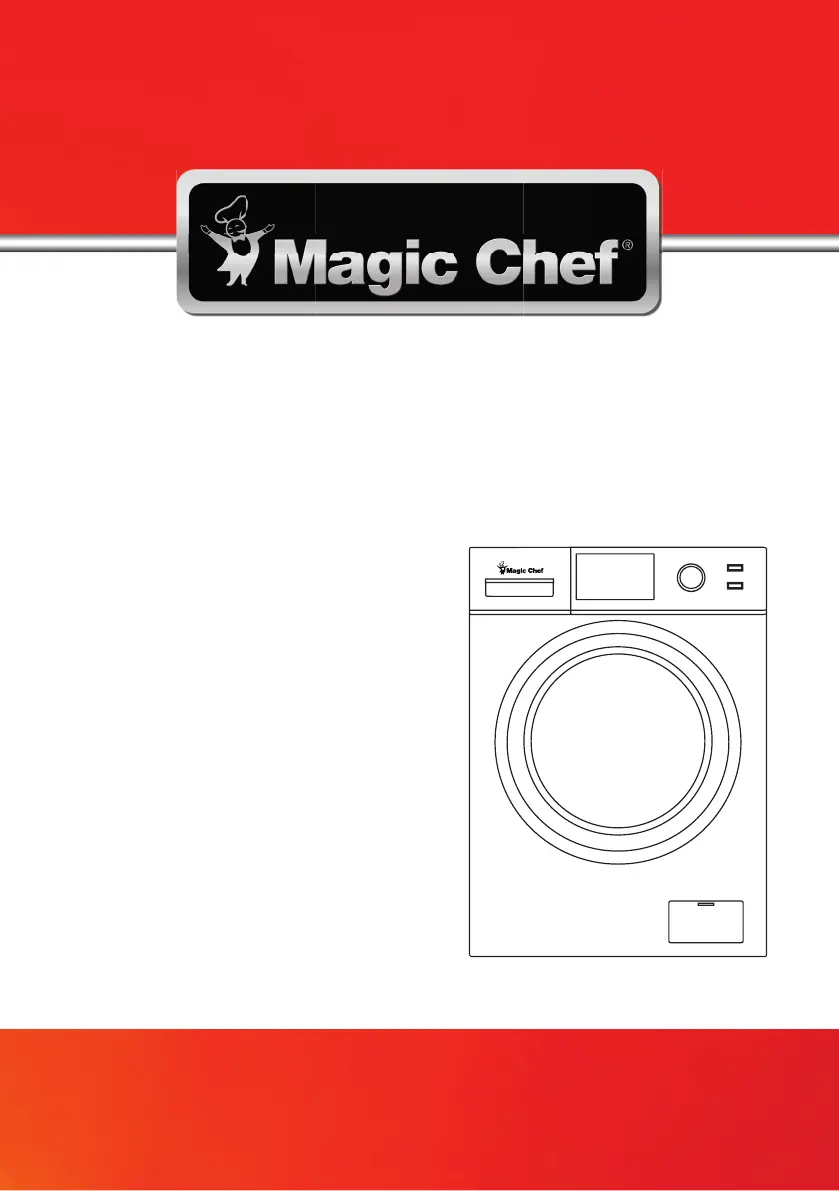
Model MCSCWD27W5 / MCSCWD27S5 / MCSFLW27W / MCSFLW27S /
24” Combo Washer and Dryer
24” Front Load Washer
User’s Manual
MCSCWD27G5

Questions and Answers

  • S
    schwartzjennyAug 18, 2025
    What to do if my Magic Chef Washer/Dryer is leaking water?
    • T
      Tammy TaylorAug 18, 2025
      If you notice water leaking from your Magic Chef washer/dryer, check if the connection between the inlet pipe or outlet hose and the tap or washing machine is tight. If not, fasten the water pipes. Also, inspect the drain pipe for any blockages and clean the outlet hose and drain.
  • M
    Michelle GonzalezAug 20, 2025
    How to fix Magic Chef Washer/Dryer door that won't open?
    • S
      Sarah SimpsonAug 20, 2025
      If the door of your Magic Chef washer/dryer cannot be opened, the safety lock might be engaged. Disconnect the power to resolve this.
  • A
    Aaron HarperAug 23, 2025
    Why is there detergent residue in my Magic Chef MCSCWD27S5 detergent box?
    • H
      Heather CollierAug 23, 2025
      If you find detergent residue in the detergent box of your Magic Chef washer/dryer, it could be because the washing powder is damp and hardened. Clean and wipe the box. Alternatively, consider using liquid detergents or detergents specifically designed for high-efficiency front load washers.
  • T
    Terri CamachoAug 26, 2025
    What to do if my Magic Chef Washer/Dryer displays error code EXX?
    • D
      Dr. Patrick ColemanAug 26, 2025
      If your Magic Chef washer/dryer is showing an 'EXX' error code, try restarting the machine. If the code continues to appear after restarting, contact customer service.
  • S
    scottfischerAug 28, 2025
    What to do if my Magic Chef MCSCWD27S5 Washer/Dryer displays error code E10?
    • K
      katherinemorrisonAug 28, 2025
      If your Magic Chef washer/dryer displays error code E10, it indicates a problem with the water flow. Check if the water pressure is too low. Also, ensure that the inlet hose is not bent or blocked and that the inlet valve filter is not blocked.
  • R
    Reginald MillerAug 31, 2025
    What to do if my Magic Chef Washer/Dryer is making abnormal noises?
    • J
      Jason FoxAug 31, 2025
      If your Magic Chef washer/dryer is producing abnormal noises or vibrations, verify that the transport bolts have been removed. Also, ensure the cabinet is installed on a solid, level surface, check for any foreign items in the unit, and make sure the leveling legs are level.
  • C
    Cindy BensonSep 2, 2025
    What to do if my Magic Chef MCSCWD27S5 displays error code E30?
    • B
      Brian MurphySep 2, 2025
      If your Magic Chef washer/dryer is showing an error code E30, it means the door is not properly closed. Check if any clothes are stuck in the door. Close the door properly and restart the machine.
  • D
    David BowmanSep 4, 2025
    Why are my clothes not clean enough after washing in my Magic Chef MCSCWD27S5?
    • J
      Julie MendezSep 4, 2025
      If your clothes are not getting clean enough in your Magic Chef washer/dryer, it could be because they are too dirty. Select a more appropriate washing program. Also, ensure you are using a sufficient amount of detergent, following the instructions for dosage.
  • J
    Jennifer JohnsonSep 7, 2025
    What to do if water is overflowing from the bottom of my Magic Chef washing machine?
    • C
      Cassandra WilsonSep 7, 2025
      If water is overflowing from the bottom of your Magic Chef washing machine, check that the inlet pipe is firmly connected. If not, fix the inlet pipe. Also, check the outlet hose for water leakage and replace the drain hose if necessary. Verify that the plug is correctly connected and that power is on.
  • J
    julia01Sep 9, 2025
    What to do if my Magic Chef MCSCWD27S5 Washer/Dryer displays error code E21?
    • T
      Tamara MunozSep 10, 2025
      If your Magic Chef washer/dryer displays error code E21, check if the drain hose is blocked.

Summary

Product Registration

Important Safety Instructions

California Proposition 65 Warnings

Specific warnings regarding California Proposition 65 chemical exposure.

Specifications

Installation Instructions

Included Parts and Installation Requirements

Lists included parts and details electrical/location installation needs.

Physical Installation and Leveling

Transport Bolt Removal and Washer Leveling

Covers removing transport bolts and leveling the washer for proper operation.

Drain and Water Inlet Systems

Drain System Configurations

Explains standpipe, laundry tub, and floor drain system requirements.

Water Inlet Pipe Connection

Guides on connecting hot and cold water inlet hoses correctly.

Before Use Preparation

Pre-Wash Checklist and Load Preparation

Covers checks, detergent, sorting, loose items, and load balancing.

Operating the Washing Machine

Control Panel and Display Overview

Explains the functions of buttons, indicators, and the control panel display.

Wash Cycle Selection and Operation

Details available wash cycles and how to select and start them.

Dry Cycle Options and Features

Dry Cycle Options (Auto Dry, Timed Dry)

Describes Auto Dry and Timed Dry functions for drying clothes.

Time Save and Delay Start Features

Explains how to use Time Save and Delay start functions.

Advanced Operating Settings

Temperature, Spin, and Soil Level Settings

Covers adjusting water temp, spin speed, and soil level for cycles.

Cycle Customization and Lock Features

Details child lock, extra rinse, and saving custom cycles (My Cycle).

Control Panel and Cycles (MCSFLW Series)

Control Panel Overview (MCSFLW Series)

Explains the control panel layout for the MCSFLW series models.

Wash Cycle Guide (MCSFLW Series)

Details the various wash cycles available for MCSFLW series.

Specific Wash Cycle Descriptions (MCSFLW Series)

Display Indicators and Functions (MCSFLW Series)

Cycle and Feature Indicators

Explains display icons for cycle stage, features, and settings.

Washing Machine Operation Steps

Washing Clothes Procedure

Step-by-step guide to washing clothes, including initial setup.

Detergent Dispenser and Starting Machine

Instructions for using the detergent drawer and starting a wash cycle.

Wash Program Selection Guide

Table to help choose the right wash program based on load type and dirtiness.

Wash Cycle Parameters (MCSCWD27 W5;S5;G5)

Wash Cycle Parameters (MCSFLW Series) & Memory Function

Wash Cycle Parameters (MCSFLW Series)

Table of wash cycle parameters specific to MCSFLW models.

Power Loss Memory Function

Explains how the machine retains settings after a power interruption.

Care and Maintenance

General Cleaning and Cabinet Care

Guidelines for cleaning the washing machine's exterior and interior drum.

Detergent Box and Inlet Filter Cleaning

Instructions for cleaning the detergent dispenser and inlet filter.

Maintenance Procedures

Inlet Filter Washing Procedure

Steps to wash the inlet filter for optimal water flow.

Drain Pump Filter Maintenance

How to clean the drain pump filter to remove foreign items.

Frozen Machine and Emergency Procedures

Thawing a Frozen Washing Machine

Steps to follow if the washing machine freezes due to low temperatures.

Emergency Door Release Procedure

Procedure for releasing the door during power failures or emergencies.

Troubleshooting and Alarms

Alarm Code Detection and Solutions

Lists common alarm codes and their corresponding causes and solutions.

Common Problems and Troubleshooting Steps

Addresses issues like the machine not starting or door opening problems.

Limited Warranty Information

Warranty Limitations and Exclusions

Outlines what is covered and excluded by the product warranty.

Magic Chef MCSCWD27S5 Specifications

General IconGeneral
BrandMagic Chef
ModelMCSCWD27S5
CategoryWasher/Dryer
LanguageEnglish

Related product manuals