OPERATION
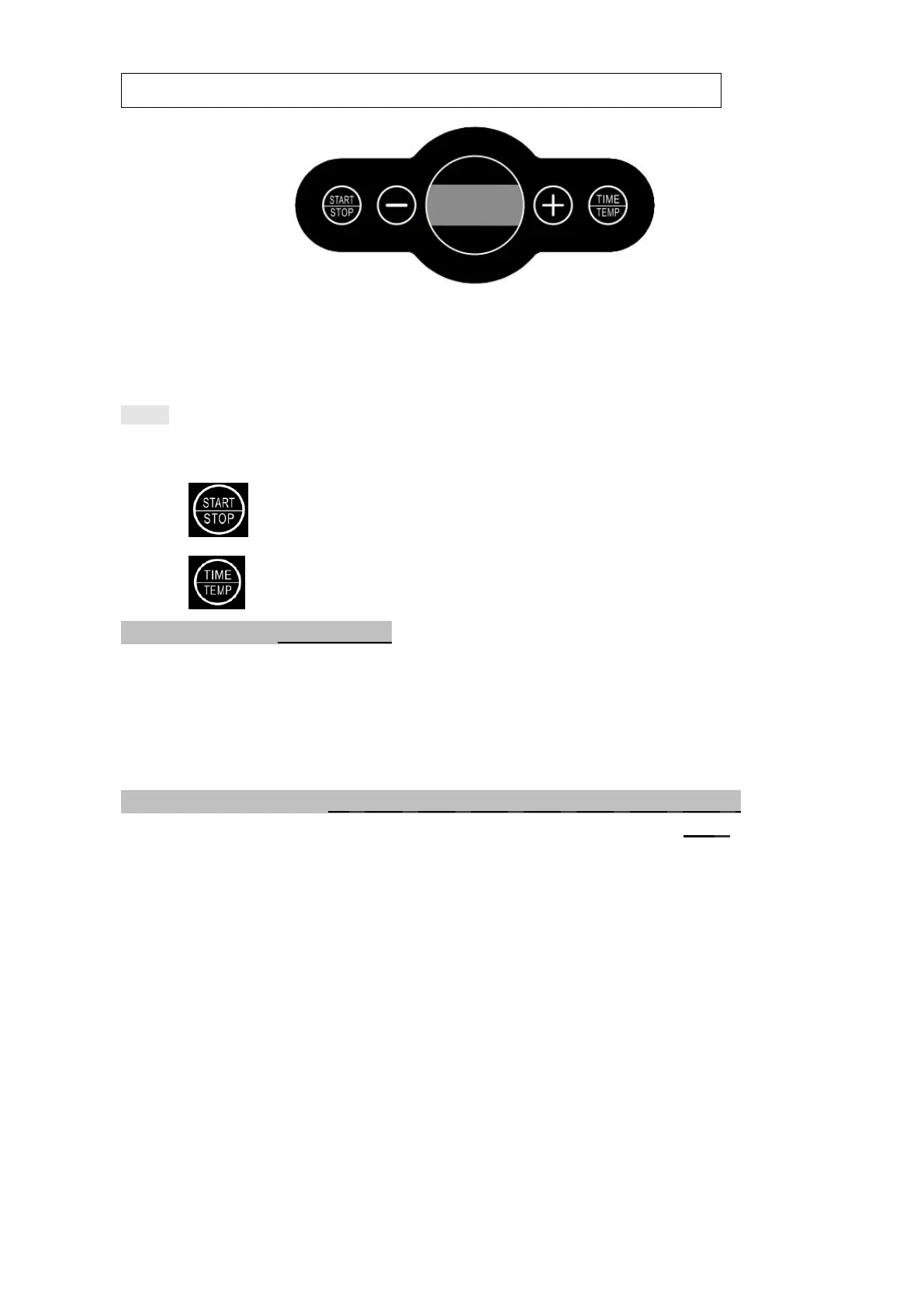
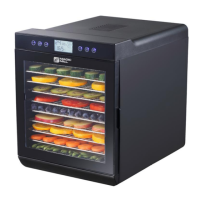
Function buttons:
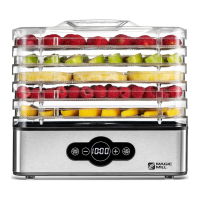
The digital control allows easy adjustment of dehydration temperature and time.
1. Place the dehydrator on a dry smooth surface
2. Place food on the trays and load into the machine
Note: It is recommended to stack at least 3 working trays, whether you have food on them or
not.
3. Connect the power supply., the screen will shows “0000”
4. Press ,the dehydrator will start to work and default to 10:00 and 158°F.
4. Press to set Timer and Temperature
1).Setting Timer (00:30-24:00)
Press TIME/TEMP button the display will show default time 10:00 and flash,
and then press the “+”or “-” buttons until the desired time is displayed.
To change the time rapidly, hold down the “+”or “-” buttons.
2).Adjusting Temperature (95°F-104°F-113°F-122°F-131°F-140°F-149°F-158°F)
Press TIME/TEMP button again, the display window will shows temperature 158°F and flash,
and then press “+”or “-” buttons to select the desired temperature.
To change the temperature rapidly, hold down the “+”or “-” buttons.
5 After finished setting time and temperature. The time in the display window will begin to
countdown.
6. When the set time counts down to "0:00”, the heating element stops working first. The fan
will continue running for 10 seconds and the buzzer rings 20 times "beep" sound (1
time/second),the screen will shows “End”
7. Unplug the unit.
If dehydration is completed, remove food from dehydrator.
If additional drying time is needed, follow the preceding steps to continue dehydrating.


 To Next Page