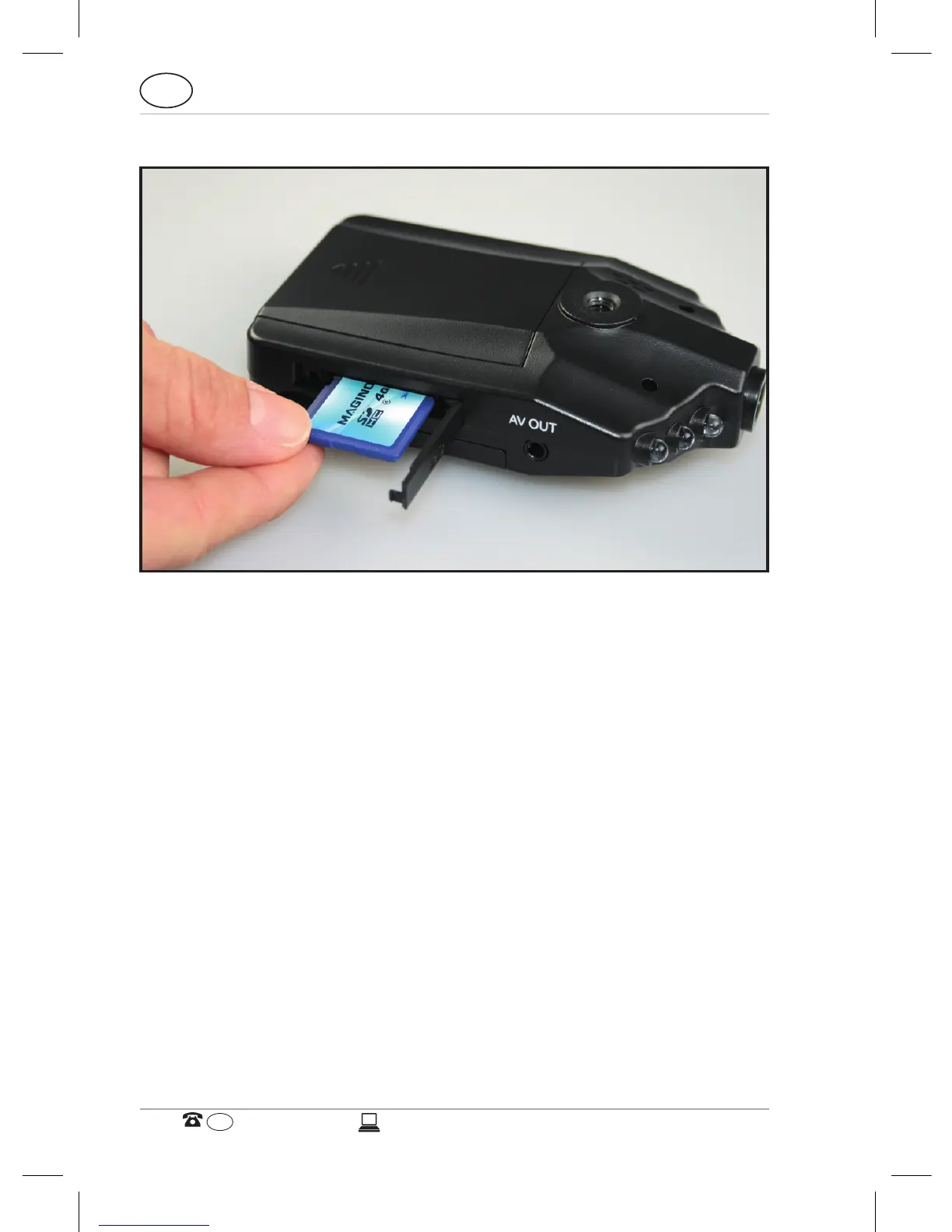
Inserting and removing the memory card
Prior to any recording, a memory card must first be inserted
into the Car Black Box. Insert memory card into the Car Black
Box as shown until it clicks into place.
To remove the memory card, press against the card until it
protrudes slightly from the device and is ready for removal.
For Full HD quality recording (1920 x 1080 pixels) use SDHC
memory cards of class 6 or higher.



 To Next Page