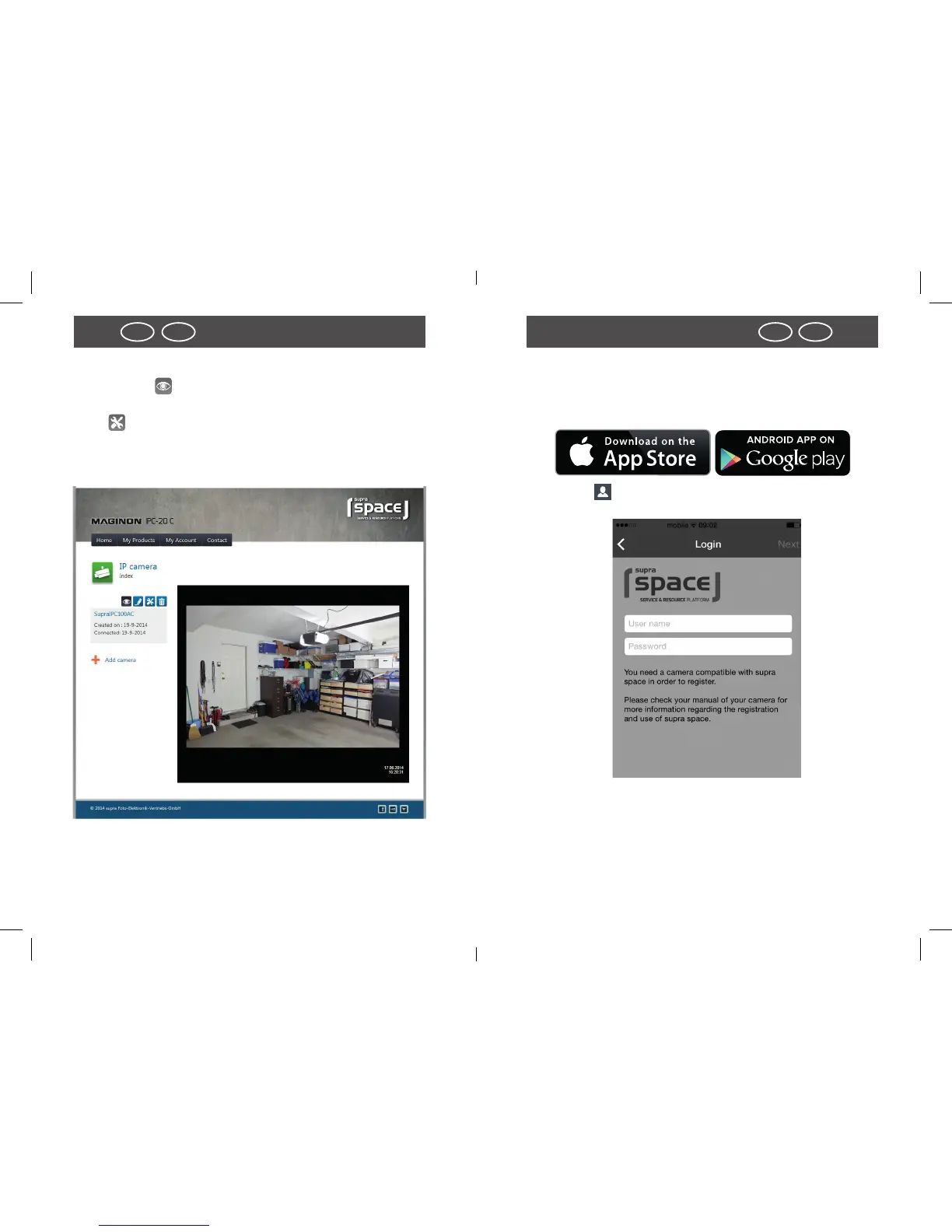
Use camera through “supra space”
Select symbol to call up the image of your Maginon
IPC-20C.
Using call up the Web surface of your camera. Log on with
user name “admin” and without a password. You then have
access to all settings of your Maginon IPC-20C.
Use app “Maginon IPC Viewer”
The app “Maginon IPC Viewer” is available for your camera
from the App Store and from Google Play. Load the app onto a
Smartphone or a TabletPC and start app.
Use symbol to log onto supra space. Use the login infor-
mation used in the Setup Assistant.
After logging in, the camera is immediately available from a
list under the chosen camera name. Select it from the display
in order to view the camera image.



 To Next Page