Quick start instructions
for Windows
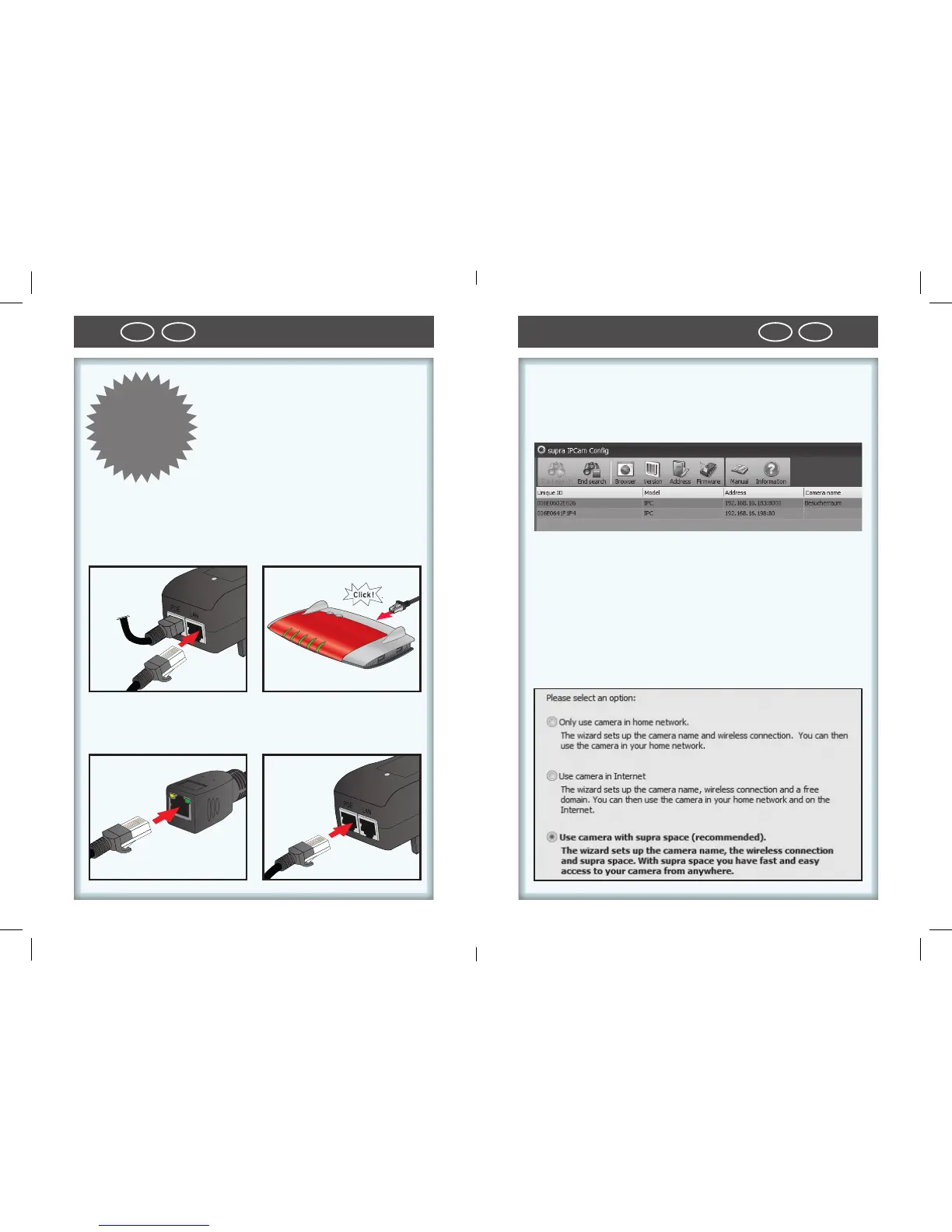
1. Hardware installation
• Connect IP security camera to
router. Either using supplied
network cable or via WLAN. To
connect the IP security camera
2. Software installation
• Install “Supra IPCam“ software on your computer using
the supplied CD.
3. Configuring the IP security camera
• In the program supra IPCam Config, click on “Start se-
arch“ and then select “Settings“.
4. Implement setup assistant
• Select the third menu point “Installation with supra
space” from Setup assistant.
QUICK
START-
INSTRUC
-
TIONS!
using WLAN read instructions on page 26.
• Connect IP security camera with supplied LAN cable
and plug it into the left LAN socket of the PoE adapter.



 To Next Page