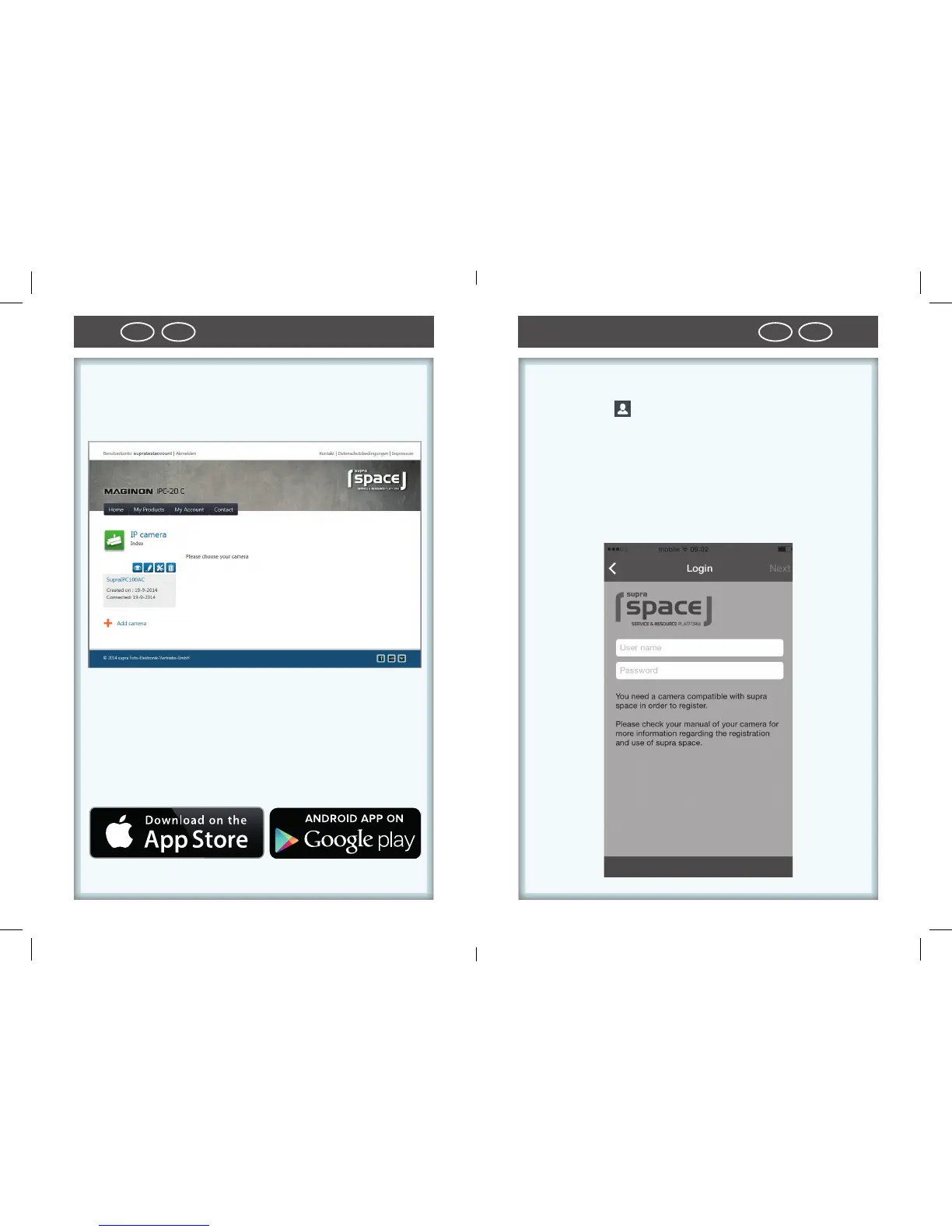
5. Activate IP security camera
• Enter www.supra-space.de in your Browser and log in.
6. Download smartphone app
• Use App Store or Google play to download the app
“Maginon IPC-Viewer“ for your Smartphone or your Ta-
blet PC and install app.
7. Setting up IP security camera in app
• Use symbol to log onto supra space. Use the log-on
information used in the Setup Assistant.
• After logging on, the camera is immediately available
from a list under the chosen camera name. Select it
from the display in order to view the camera image.



 To Next Page