EasyManua.ls Logo

Magnadyne MobileVision M125C - User Manual

Magnadyne MobileVision M125C
12 pages
Print Icon
To Next Page IconTo Next Page
Loading...
Model: M125C
For Technical Assistance, please call (800) 638-3600,
or visit www.magnadyne.com
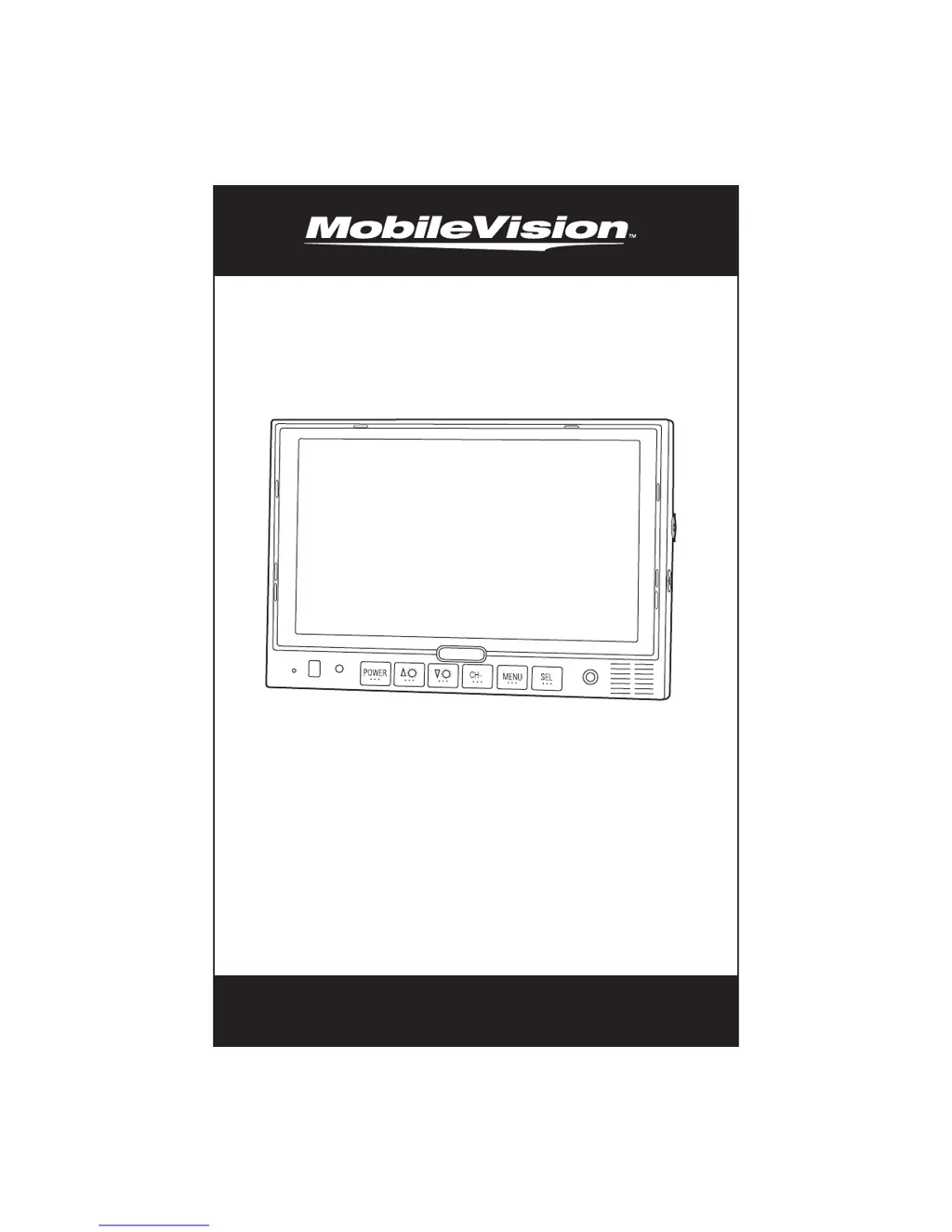
7" Color LCD Monitor
Owner’s/Installation Manual

Questions and Answers

  • K
    Kathleen MatthewsJul 30, 2025
    What to do if Magnadyne Car Video System monitor does not display image when vehicle is in reverse?
    • L
      Lori WhiteJul 30, 2025
      If your Magnadyne Car Video System monitor doesn't display an image when the vehicle is in reverse, first, verify the green reverse trigger wire has a proper 12 Volt connection. Second, check the video inputs to ensure they are correctly connected.
  • K
    Kelly RhodesAug 5, 2025
    How to fix an unstable image on Magnadyne Car Video System?
    • A
      Ashley BrownAug 6, 2025
      If your Magnadyne Car Video System image is unstable, there are a few things you can check. First, check the battery for low voltage. Second, check the generator. Finally, if it is a wireless system, move the vehicle to another location, as outside interference may be the cause.
  • C
    Carl DixonAug 11, 2025
    How to restore sound on Magnadyne Car Video System?
    • D
      David JohnsonAug 11, 2025
      If you are experiencing no sound on your Magnadyne Car Video System, check the volume level and audio connection. Note that the speaker is only operational when the vehicle is put into reverse and is automatically activated.
  • N
    Nancy RobinsonAug 17, 2025
    What to do if my Magnadyne Car Video System has no color?
    • J
      Jacob RhodesAug 17, 2025
      If there is no color on your Magnadyne Car Video System, check the color level settings.
  • J
    joshuawillisAug 23, 2025
    How to correct an upside down image on Magnadyne MobileVision M125C Car Video System?
    • M
      Megan JensenAug 25, 2025
      If the image on your Magnadyne Car Video System is upside down or inverted, check the horizontal and vertical settings.

Summary

Warning and Safety Precautions

Backing Up Your Vehicle Safely

Crucial safety advice for using the monitor while driving.

Important Cautions

Important cautions regarding FCC regulations and equipment safety.

Monitor Features and Controls

Remote Control Functions

General Operation Guide

Camera View Selection and Input

Details on selecting camera views and auxiliary video inputs.

Adjusting Volume and Display

How to adjust monitor volume and switch camera image display.

Monitor Adjustment Menus

Guide to adjusting monitor settings via Picture, Option, and System menus.

Technical Specifications

Wiring Diagram

Installation Instructions

Pedestal and U-Support Mounting

Methods for mounting the monitor using pedestal or U-support brackets.

Flush Mounting Procedure

Steps for flush mounting the monitor into a dashboard or panel.

Maintenance and Troubleshooting

Routine Maintenance Tips

Basic care instructions to maintain monitor condition and performance.

Troubleshooting Common Issues

Solutions for common symptoms like unstable image, no sound, or no picture.

Warranty Information

Magnadyne MobileVision M125C Specifications

General IconGeneral
Input Voltage12V DC
Aspect Ratio16:9
Built-in SpeakersYes
Remote ControlYes
Display TypeLCD
Media Formats SupportedJPEG, MP3, WMA
InputsUSB, SD Card
Power SourceVehicle DC power