EasyManua.ls Logo

Magnasonic MCT2008 - User Manual

Default Icon
29 pages
Print Icon
To Next Page IconTo Next Page
Loading...
1
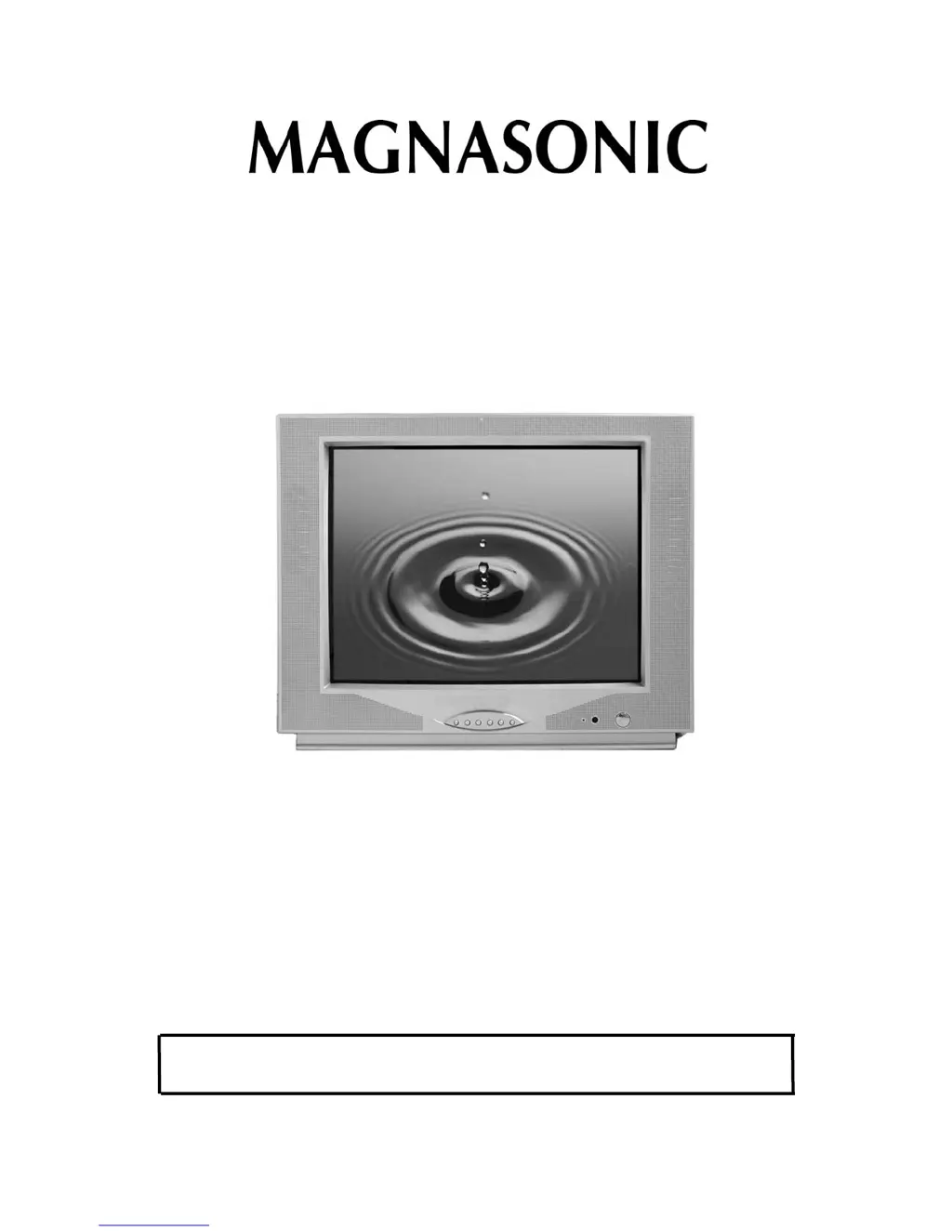
20" Colour TV
Instruction Manual
Model - MCT2008
Thank you for your purchase of this Magnasonic product. Please read this
Instruction Manual carefully before using this Magnasonic product to ensure
proper use. After reading this manual, please keep it in a safe place and refer
to it when necessary.
For additional information on this product or for help with set-up
please call the Customer Help Line at 1-800-287-4871
Visit www.magnasonic.ca for more information about our great products

Questions and Answers

  • J
    James GibsonAug 13, 2025
    Why doesn't my Magnasonic MCT2008 remote operate?
    • H
      hosborneAug 13, 2025
      If your Magnasonic TV remote control isn’t working, try these steps: * Replace the batteries, as they may be weak. * Ensure the batteries are installed correctly, paying attention to the correct +/- polarity. * Make sure there are no obstructions between the remote and the remote sensor on the TV.
  • R
    robert34Aug 17, 2025
    How to fix dark or no picture on Magnasonic MCT2008 TV?
    • J
      jamie77Aug 17, 2025
      If you're getting a dark, poor, or no picture on your Magnasonic TV, try these solutions: 1. Ensure the connection from external A/V equipment outputs to the TV video input is secure, then switch the TV to the appropriate Video mode by pressing the TV/VIDEO button. 2. Adjust the picture settings for tint, color brightness, sharpness, etc. 3. Verify the coaxial cable from the antenna is connected to the RF IN.
  • J
    josephhollowayAug 20, 2025
    What to do if there is no sound on Magnasonic MCT2008 TV?
    • J
      Jacob ChurchAug 20, 2025
      If you're not getting any sound from your Magnasonic TV, here's what to check: 1. Make sure the audio cables are securely connected to the audio inputs. 2. Verify the connection from external A/V equipment outputs to the TV audio input, then switch to the appropriate mode on the receiver. 3. Ensure the volume is at an appropriate level and the mute feature is not on. 4. If the TV is connected through a stereo receiver, use its volume control to adjust the stereo speaker sound.
  • J
    Jeffery MayerAug 25, 2025
    How to troubleshoot no TV signal on Magnasonic MCT2008?
    • C
      Christian MyersAug 25, 2025
      If your Magnasonic TV isn't receiving a TV signal, try the following: 1. Verify the TV is set to Antenna mode. 2. Make sure the antenna is securely connected to the RF in jack. 3. Unplug the TV from the wall for 30 seconds, then plug it back in and try again. 4. Unplug the antenna connection from the back of the TV, unplug the TV from the wall, wait 30 seconds, then try again.
  • J
    Jorge WrightAug 28, 2025
    Why can't I receive certain TV channels on my Magnasonic MCT2008 TV?
    • R
      richardreedAug 28, 2025
      If you cannot receive a certain TV channel on your Magnasonic TV, check these: 1. Make sure the Air/Cable setting is correct. 2. The channel may be locked with the block channel feature, such as Parental Control. Check the parental control feature to see if the settings you have inputted are causing the channel to be blocked. 3. Check the Add/Erase feature, as the channel may have been erased during set up.
  • S
    Scott BeckerAug 31, 2025
    What causes a snowy picture on Magnasonic MCT2008 TV?
    • K
      Kayla GillAug 31, 2025
      If your Magnasonic TV picture becomes snowy, check that the antenna lead wire is in working condition and the antenna is securely connected to the RF in jack.
  • S
    Sylvia CraneSep 5, 2025
    Why does stripe or purple interference appear on the screen of my Magnasonic TV?
    • D
      David MillerSep 5, 2025
      If you see a stripe or purple interference on the screen of your Magnasonic TV, the external speakers located close to the TV may not be shielded. Verify that external speakers are shielded, otherwise move them at least 6 inches away.
  • D
    Deanna DuncanSep 8, 2025
    How to fix picture ghosting on Magnasonic MCT2008?
    • L
      lauren97Sep 8, 2025
      If you are experiencing picture ghosting on your Magnasonic TV, try using an omni directional outdoor antenna or move the antenna around to minimize the ghosting.

Magnasonic MCT2008 Specifications

General IconGeneral
BrandMagnasonic
ModelMCT2008
CategoryTV
LanguageEnglish