EasyManua.ls Logo

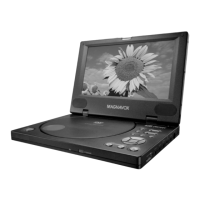
Magnavox MPD820 - Controls; Main Unit

Magnavox MPD820
42 pages
Print Icon
To Next Page IconTo Next Page
To Previous Page IconTo Previous Page
Loading...
7
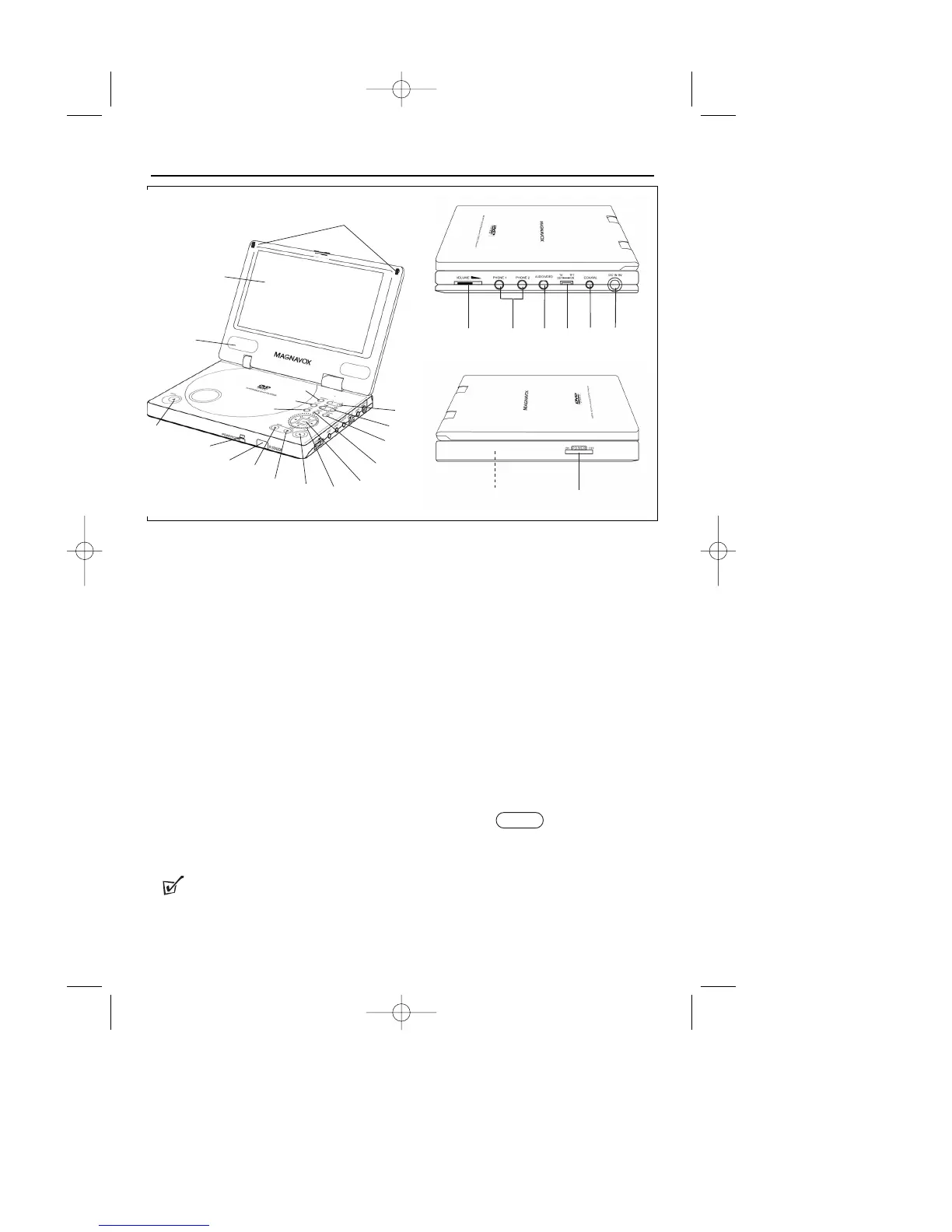
Main Unit
1 Display panel
2 Speaker
3 OPEN
4 CHG - battery charge indicator
POWER -
power indicator
5 Infrared for remote control
6
;
(PAUSE)
7
9
(STOP)
8
B
(PLAY)
9 Direction buttons:
3
,
4
,
2
,
1
0 OK
! MENU
@ RETURN
#
/§
$
+ /
-
% MONITOR
^ SETUP
& TITLE
* Magnet
( VOLUME
) PHONE 1 & PHONE 2
¡ AUDIO / VIDEO
TV OUT / TFT ON
£ COAXIAL (DIGITAL AUDIO
OUTPUT)
DC IN 9V
§ Type plate
ON POWER OFF
Controls
TIP :
* Do not adjust the TV OUT/TFT ON switch at random. Keep the TV OUT/TFT ON switch in
the TFT ON position when the POWER switch is set to ON.
(
¡
£
)
§
#
!
@
0
9
8
7
6
5
4
3
2
1
*
$
%
^
&
MPD820_17.qxd 4/2/04 9:10 AM Page 7

Other manuals for Magnavox MPD820

Related product manuals