Magner350 USER Guide
Magner INT 32
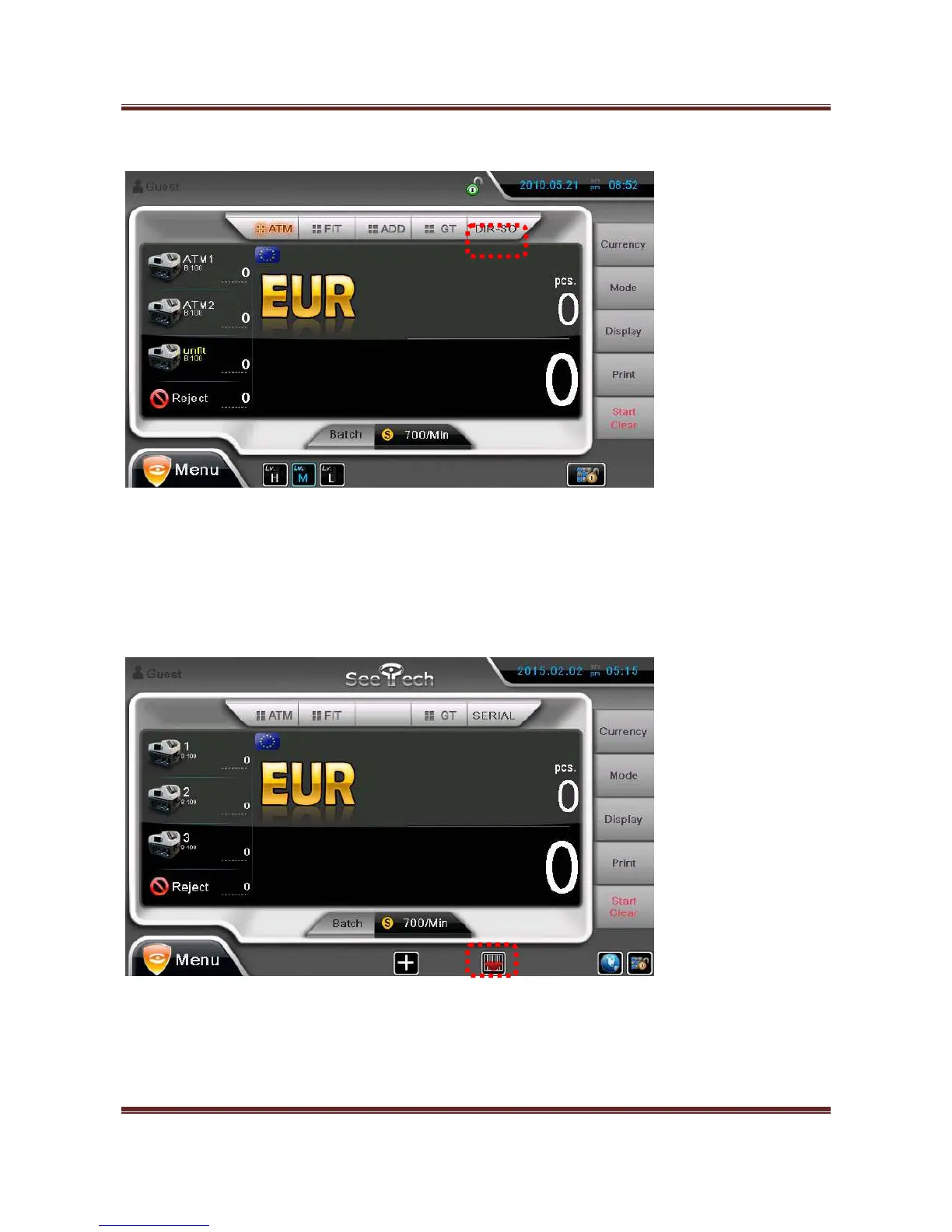
recognized note is sent to Pocket 1 and the next recognized note is stacked to Pocket 2. Unfit notes are
stacked to Pocket 3 and unconditional note, counterfeits or error notes are sent to Reject Pocket.
7) SERIAL
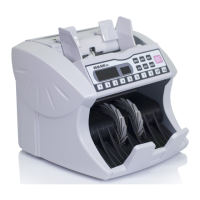
Machine can read and capture the serial number of the note.
You can set the mode with serial reading by pressing the below icon
You can select Operation mode(Mix, SG and SP) with Serial reading by pressing below blue icon


 To Next Page