Connection and Mounting
Power and Charging
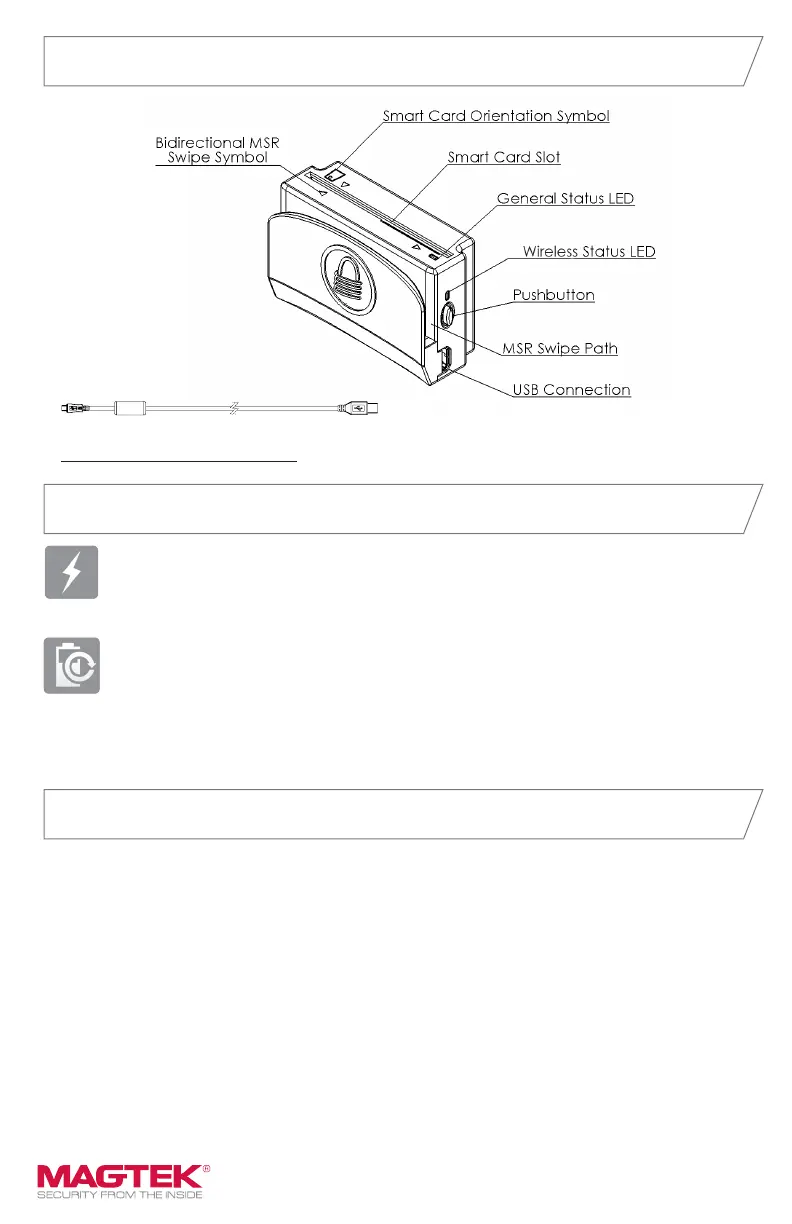
Major Components
MICRO USB B PLUG
CON 1 CON 2
micro-USB cable
Power: Power via micro-USB (utilize its wired USB interface and power to operate
while connected to a PC or tablet-based POS system where a USB Host and power
are available) or via the rechargeable battery.
Charging: Fully charge eDynamo before rst use (for 3 hours or until the LED
is solid green). Fully charge eDynamo within 5 months of shelf storage.
Charging via industry standard USB cables. Requires USB port for charging before
use. Subsequent charging requires just a couple of hours for a full charge. Allows
over 1,000 card swipes between charges.
CONNECTION
Micro-USB B: congured to appear as a vendor-dened HID device, no custom
drivers necessary.
Wireless: congured to appear as a GATT device. Supports personal area network
using standard 2.4GHz frequency space
Wireless Range: Minimum 33 ft. (10 m) in line-of-sight conditions.
MOUNTING
eDynamo offers versatile mounting options and can be mounted or hand held. It
requires no wire management or hole drilling.



 To Next Page