Start using the TechPRO
®
tool
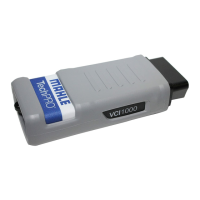
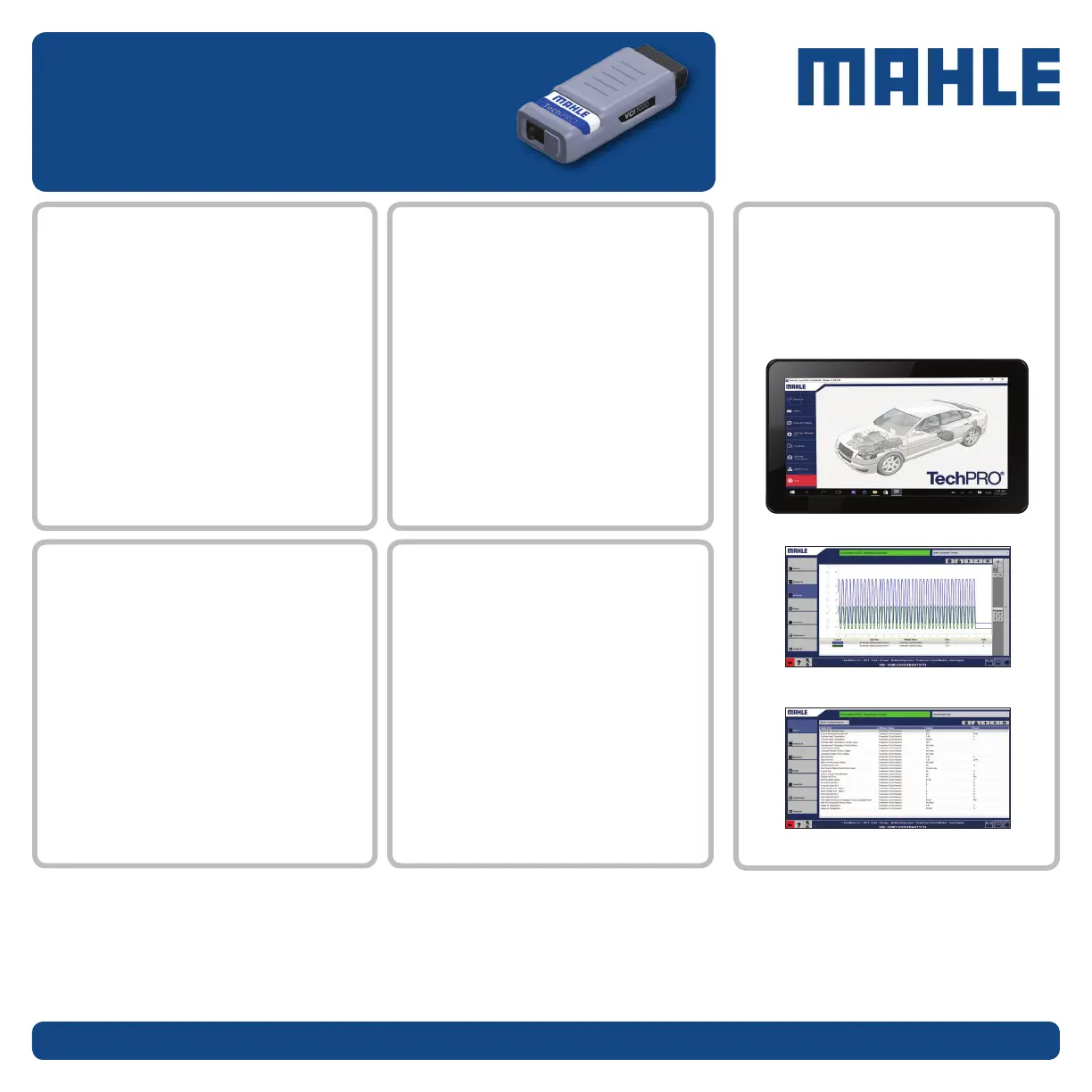
This tool is designed to provide fast diagnosis, real-time data
updates, and precise information to allow technicians to repair
vehicles more efciently.
ACCESS Tech Support
MAHLE TechPRO tools are backed by a full
Tech Support program.
CALL 800-468-2321
CHAT Click the MAHLE Chat button
on the TechPRO home screen
EMAIL techpro.support@us.mahle.com
HOURS 8AM - 5PM ET
FEEDBACK - Click on ‘Feedback’ on the home
screen to instantly enter and send feedback.
PARTICIPATE
in our surveys
As you browse the tool and become familiar
with its functions be sure to send us your
feedback. Your questions and comments
help us improve the product.
If you need more detailed
instructions on using the
TechPRO tool contact
tech support.
As you enter each section there are
subsections that will allow you to view more
in-depth information, such as:
n
Fault codes describing the failure they
represent and the code number
corresponding to the failure
n
PIDs, along with the ability to graph
different functions of the systems
n
Live streaming of data
EXPLORE the sections
LAUNCH the application
From the home screen you will have a choice
of multiple categories such as:
n
Diagnose (takes you to the vehicle menu)
n
OBD II (contains the standard SAE diagnostics)
n
Snapshot Replay (shows a synopsis of each
diagnostic section)
THANK YOU for purchasing and using the TechPRO scan tool!
Service Solutions
035 82355 00


 To Previous Page
 Loading...