Bluetooth Speaker Operation
1. Turn on the diuser by sliding the power switch to “ON”
position. The LED light on top will light on indicate the
speaker is in paring mode and searching for your Bluetooth
mobile device.
2. Open the Bluetooth function on your device and search the
speaker named “MDB-19”. After selecting this speaker, your
device will pair without a password. (If required, enter the
password “0000” to finalize the paring). A tone will be
heard after a successful pairing.
3. Start playing music on your device. Keep your device within
33feet (10 meters) of your speaker.
4. Control play/pause, or adjust the volume from your device.
Caution:
• This is not a toy. Please keep away from small children.
• Please keep away from water / heat.
• Low power may cause poor connection even no working of
Bluetooth.
• Do not over charge the battery.
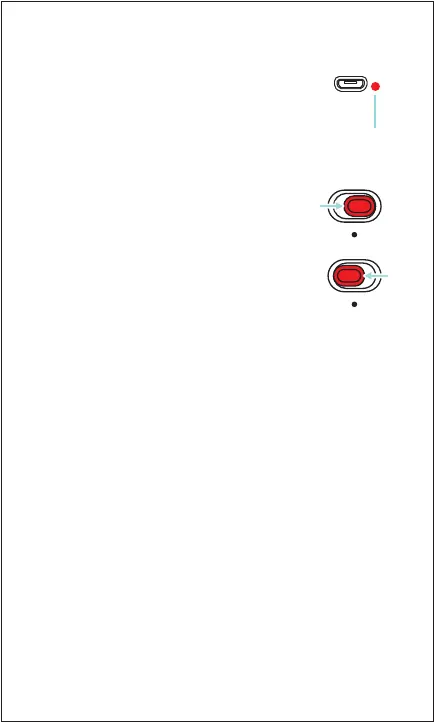
The LED indicator will turn RED while charging
and turn o when fully charged. On low power,
a tone will be heard indicating that the speaker
needs to be recharged.
Charging
LED Charging
Indicator
Powering ON/OFF
• To turn on the diuser, slide the O/On switch
to the “On” position. The light will light up
automatically and change through dierent
colors smoothly.
• To turn o the diuser, slide the O/On switch to
the “O” position. The light will turn o
accordingly.
O On
O On


 To Next Page