EasyManua.ls Logo

Maiyun HX-YL001 - User Manual

Maiyun HX-YL001
10 pages
Print Icon
To Next Page IconTo Next Page
Loading...
USER’S MANUAL
Non-contact
thermometer
HX-YL001
Thank you for purchasing HX-YL001.
In order to use this product safely and
correctly, please read this instruction
manual before use.
Please keep it in a safe place after
reading for easy reference and
reference.
A warranty card is attached to this
manual. Please keep it in a safe place.

Questions and Answers

  • T
    Tammy WoodAug 4, 2025
    Why does my Maiyun HX-YL001 display 'HI'?
    • M
      Melissa NicholsAug 4, 2025
      If the Maiyun Thermometer displays "HI", it indicates that when using the non-contact infrared forehead thermometer, the analysis shows that the human body temperature is higher than 42.5°C.
  • R
    ryanmcdonaldAug 14, 2025
    What to do if my Maiyun HX-YL001 Thermometer showing L0?
    • M
      markjohnsonAug 14, 2025
      The Maiyun Thermometer may show L0 due to several reasons: 1. Hair or sweat obstructing the measurement. Ensure the forehead is clear. 2. Exposure to cold air. Make sure the air is stable during measurement. 3. Recent cold compress. Wait 10 minutes after a cold compress before measuring. 4. Incorrect measurement distance. Maintain a distance of 3-5CM, and avoid direct skin contact.
  • S
    stephenvegaAug 25, 2025
    How to fix Maiyun HX-YL001 when LCD cannot display the value?
    • J
      Jennifer JonesAug 25, 2025
      If the Maiyun Thermometer LCD cannot display the value, it might be because the measured temperature is outside the device's range. Specifically, if the temperature is lower than 32°C or higher than 42.5°C in the anthropometric state, the LCD will display "LO" or "HI" instead of a numerical value.

Summary

Scope of application

Product composition

Precautions, contraindications, warnings

Precautions

Summary of safe usage guidelines and environmental conditions for accurate measurement.

Contraindications

Conditions where the device should not be relied upon for diagnosis or measurement interpretation.

Technical indicators

Advice before use

Quick use

Battery replacement

Operating instructions

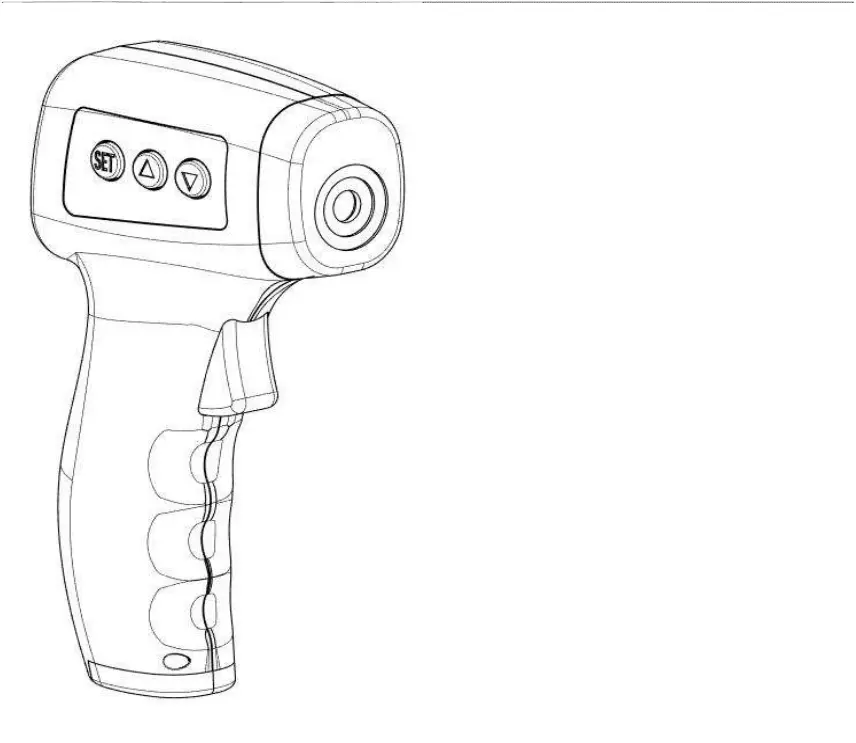
Thermometer site description

Identification of key components of the thermometer, including sensors and display.

Install battery

Step-by-step guide for battery installation and initial product self-inspection.

Routine maintenance

Troubleshooting

Parts list

Maiyun HX-YL001 Specifications

General IconGeneral
BrandMaiyun
ModelHX-YL001
CategoryThermometer
LanguageEnglish