Need help?
Do you have a question about the Majorcom: MX-30 and is the answer not in the manual?
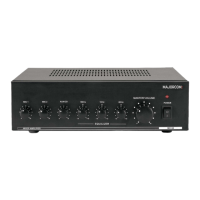
Details the controls and indicators on the amplifier's front panel.
Describes the input and output terminals located on the rear of the unit.
Adjusts bass, mid, and treble frequencies for sound shaping.
Explains terminals for muting other inputs when a microphone is active.
Details the DIN-5 jack, balanced operation, and priority for Microphone 1.
Describes the 1/4" unbalanced jack for MIC2 input.
Covers AUX/CD inputs and their selector switch.
Explains low-impedance and high-impedance speaker connection options.
Details MIC1 for telephone paging and MIC2 priority terminal usage.
Provides advice on maintaining the amplifier and handling fuse replacement.


 To Next Page
 General