GETTING STARTED
Setting Up
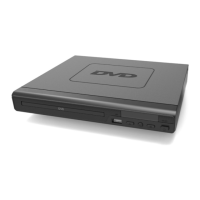
Connect the power plug Of the DVD player to a wall outlet. The power indicator and
timer on the front panel will illuminate.
Follow the guidance below for connecting your DVD player:
Cable Connection Options
la. Connect a RCA cable between the 2 channel Audio Output port and the RCA input
on your TV.
1b. Connect a HDMI cable between the HDMI Output on the back panel of the DVD
player (Ref.47) to the HDMI input on your TV.
lc. Connect a (Y Pb/Cb Pr/Cr) cable via the (V/Cb/Pb Cr/Pr) Output of the DVD player
(Ref.45) to your TV (R/L/ Video port and cable).
7



 To Next Page