USB OPERATION
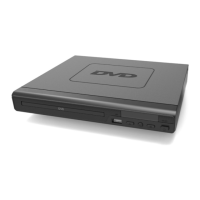
This device has a port in the front interface for AVI video format with maximum
resolution Of or
The stick used for playback should be for up to 32GB and needs to be formatted
in FAT32 before adding the video files on it.
Insert a device into the port ( Ref.40).
Press the DVD/USB button on the remote control ( Ref.3) to switch the source to USB.
The DVDplayer will read and display the file list from the USB drive.
Browse through the file list by pressing the buttons ( Ref.ll, Ref.12, Ref.29,
Ref.30) on the remote control. Select a file by pressing the Enter button (Ref.28) of the
remote control.
9



 To Next Page