21
Top Bottom
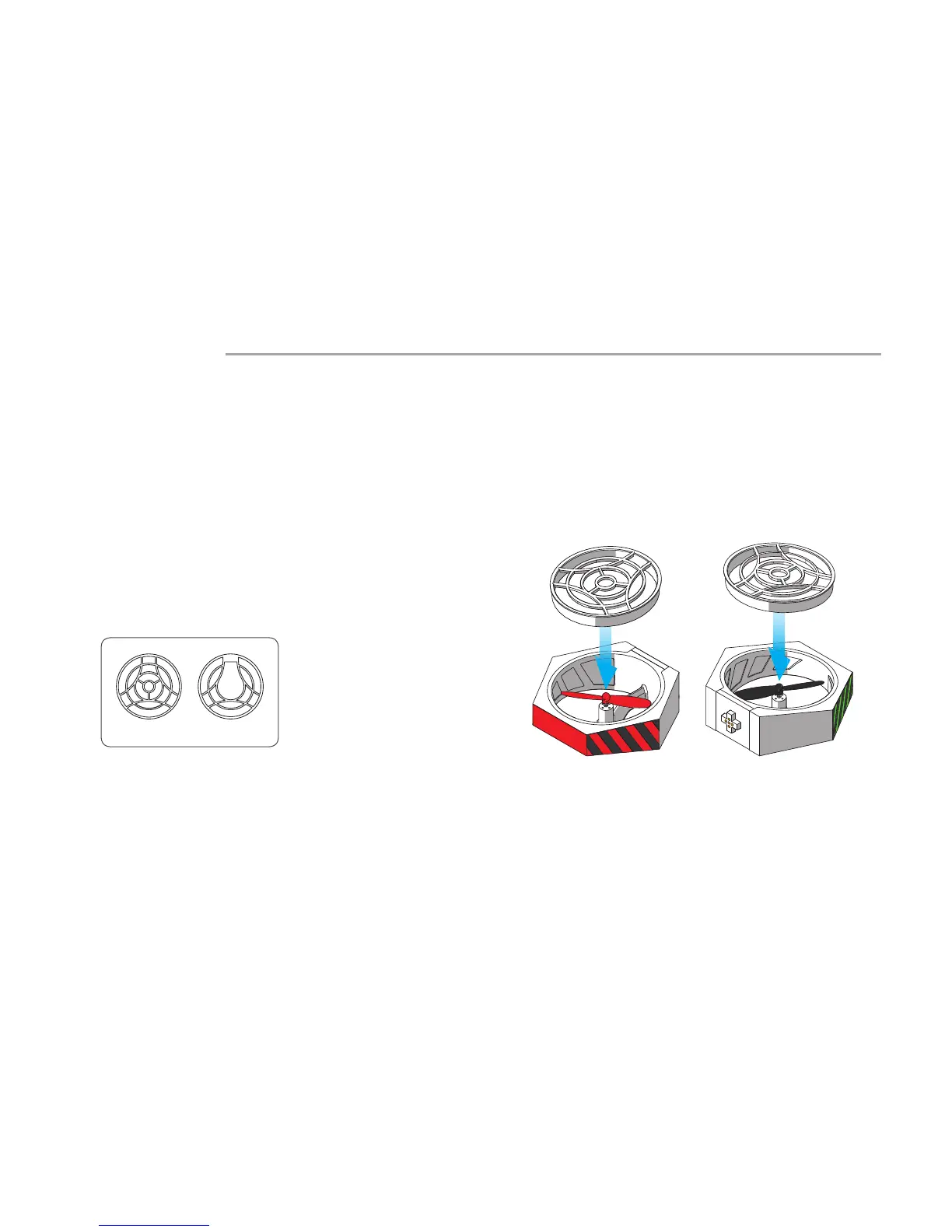
Install the protective cover
The protective covers must be installed in Hovercraft mode to protect
the propellers and prevent the propellers from causing damage.
The protective covers of Port1 and 4 are required only on the top side
of the power modules.
There are two types of protective covers; Pay attention to their
dierence during installation.
Installation Step 2
User Guide to Hovercraft Mode


 To Next Page