47
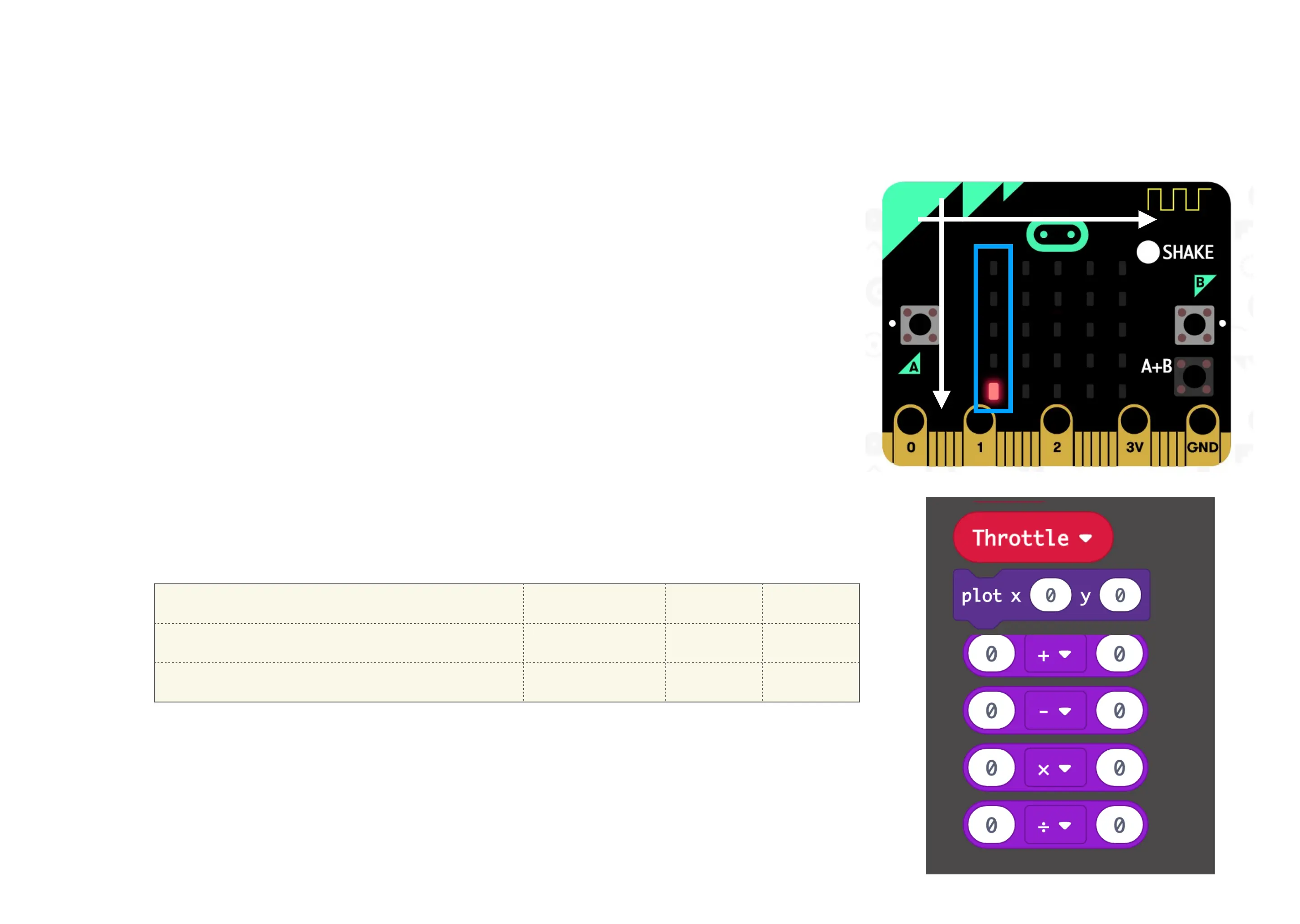
Visualise values: Throttle
Throttle
• We can indicate our throttle using the pixels on the left (blue frame)
• We need to translate our numbers according to the table below so that 0
gives 4, 50 gives 2 and 100 gives 0.
• Can you solve the equations?
• Hint:
• We need to do a division in the first calculation
• Then we need to do a subtraction in the second.



 To Next Page