51
M2 ASSEMBLY GUIDE
TIPS & SAFETY WARNINGS
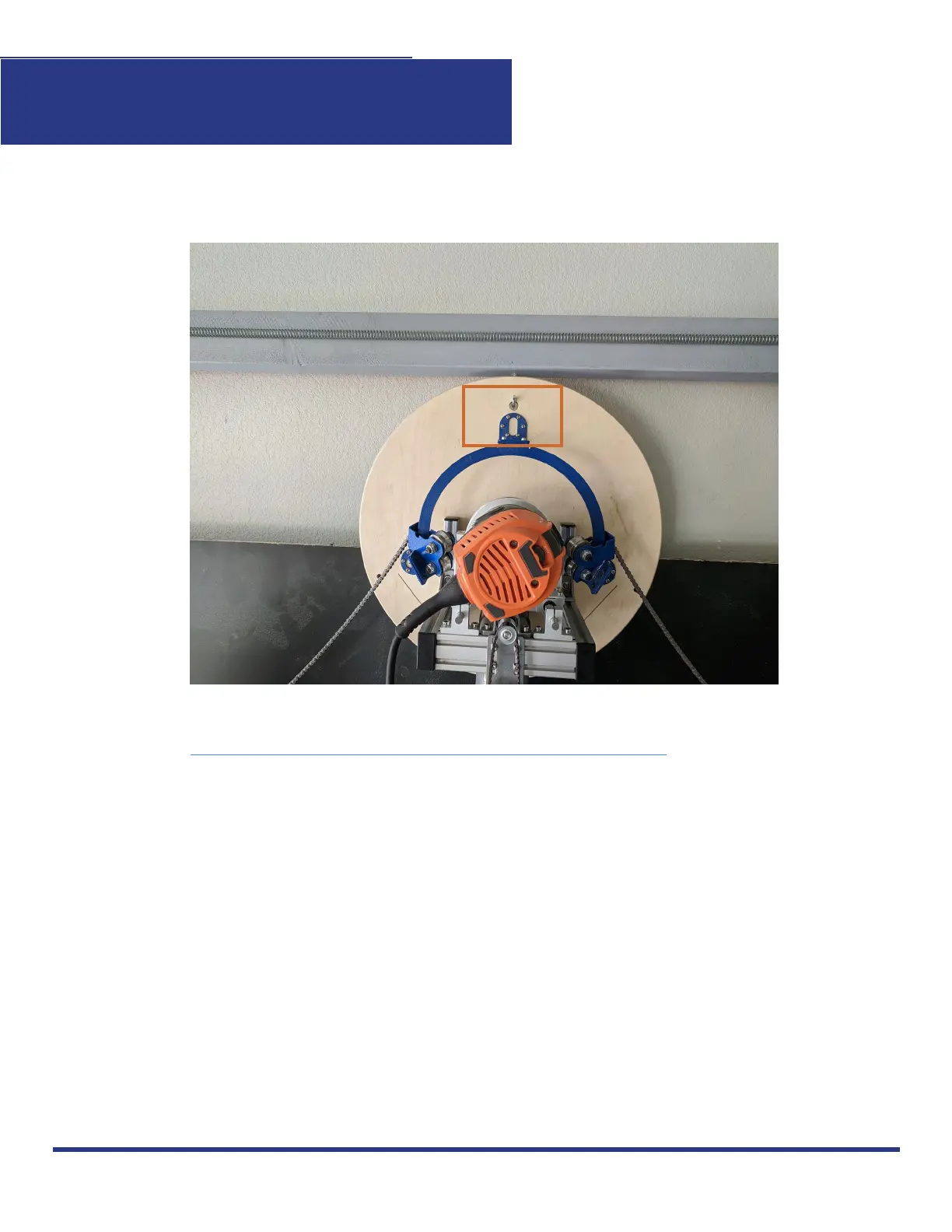
We recommend attaching a hook to the Top Beam to hold the M2 when not in operation.
Always wear safety goggles.
Always clamp the material you’re cutting to the Wasteboard Stud Mounts so it doesn’t move
during operation. You can also securely attach it to the Wasteboard using screws.
Always raise the Z-Height to 3mm above your print surface before you turn on your router
and run your M2.
Never leave your M2 unattended while in operation.
Always pause your M2 before stopping your M2 in CNCjs.
Click here to check out updates on our FAQ section!
This work is licensed under the creative commons Attribution
NonCommercial-NoDerivatives 4.0 International license. Last Updated 8.12.2020
Version 1.8


 To Next Page