Need help?
Do you have a question about the Makita SK104 and is the answer not in the manual?
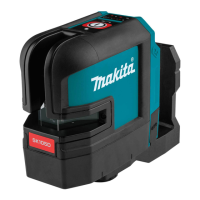
Identifies key buttons and indicators on the SK104 laser level, including On/Set, Pulse, and Lock switch.
Illustrates battery installation and how to lock the pendulum for safe transportation of the device.
Demonstrates the automatic self-levelling feature of the SK104 laser level.
Shows different operating modes including single beam (1x), double beam (2x), triple beam (3x), and pulse mode.
 General
| Brand | Makita |
|---|---|
| Model | SK104 |
| Category | Laser Level |
| Language | English |

 To Next Page