D e f a u l t m o d e
-
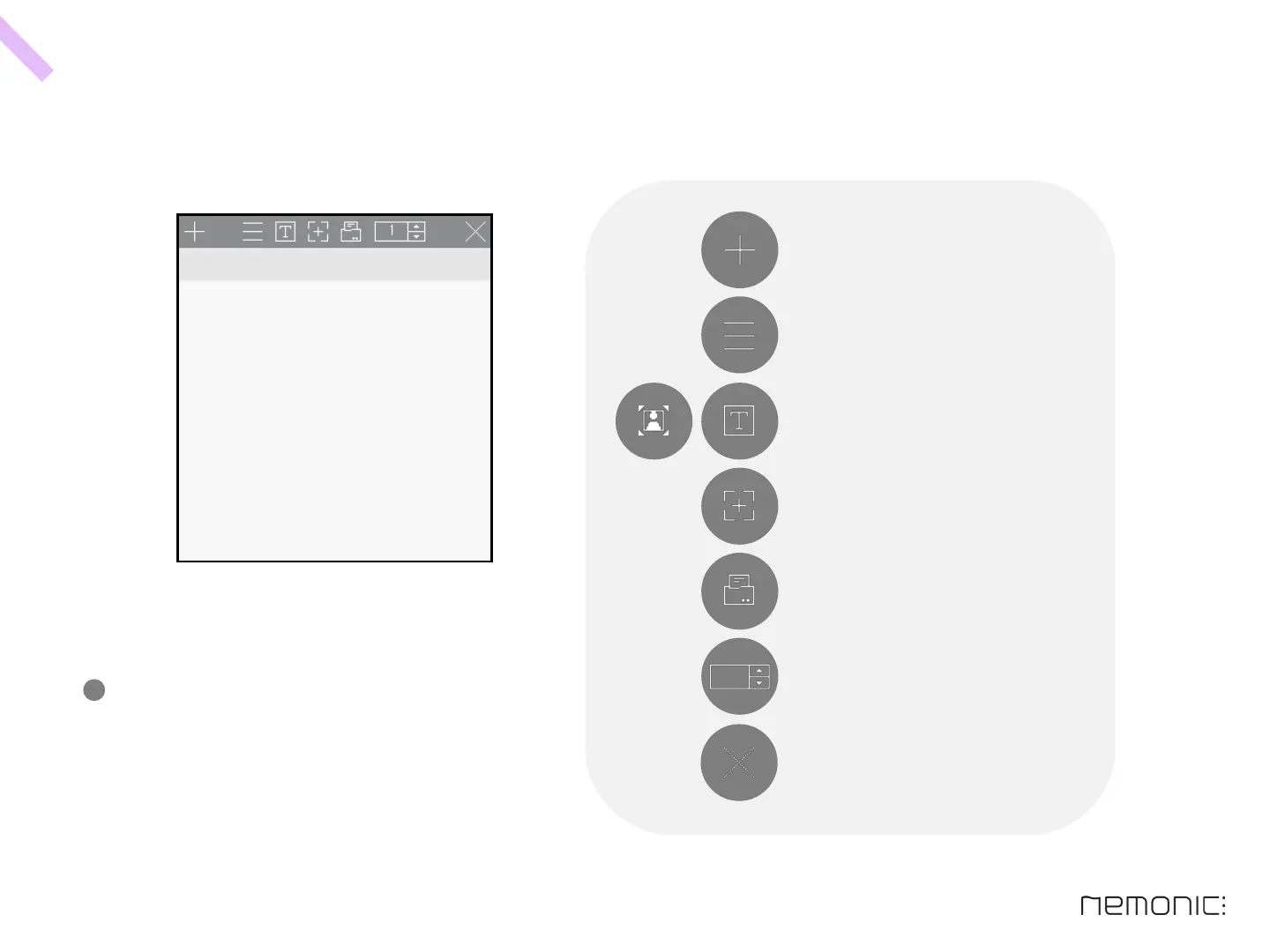
This is the initial start screen of the nemonic app,
you can edit text right away by typing.
In default mode, you can input text,
make screen captures, and print memos.
Icon description
32
Create new memo
Open detail menu
Change editing mode (options: image / text)
Enter screen capture mode
Print current memo
Close current memo
Input copies
How to use the PC program



 To Next Page