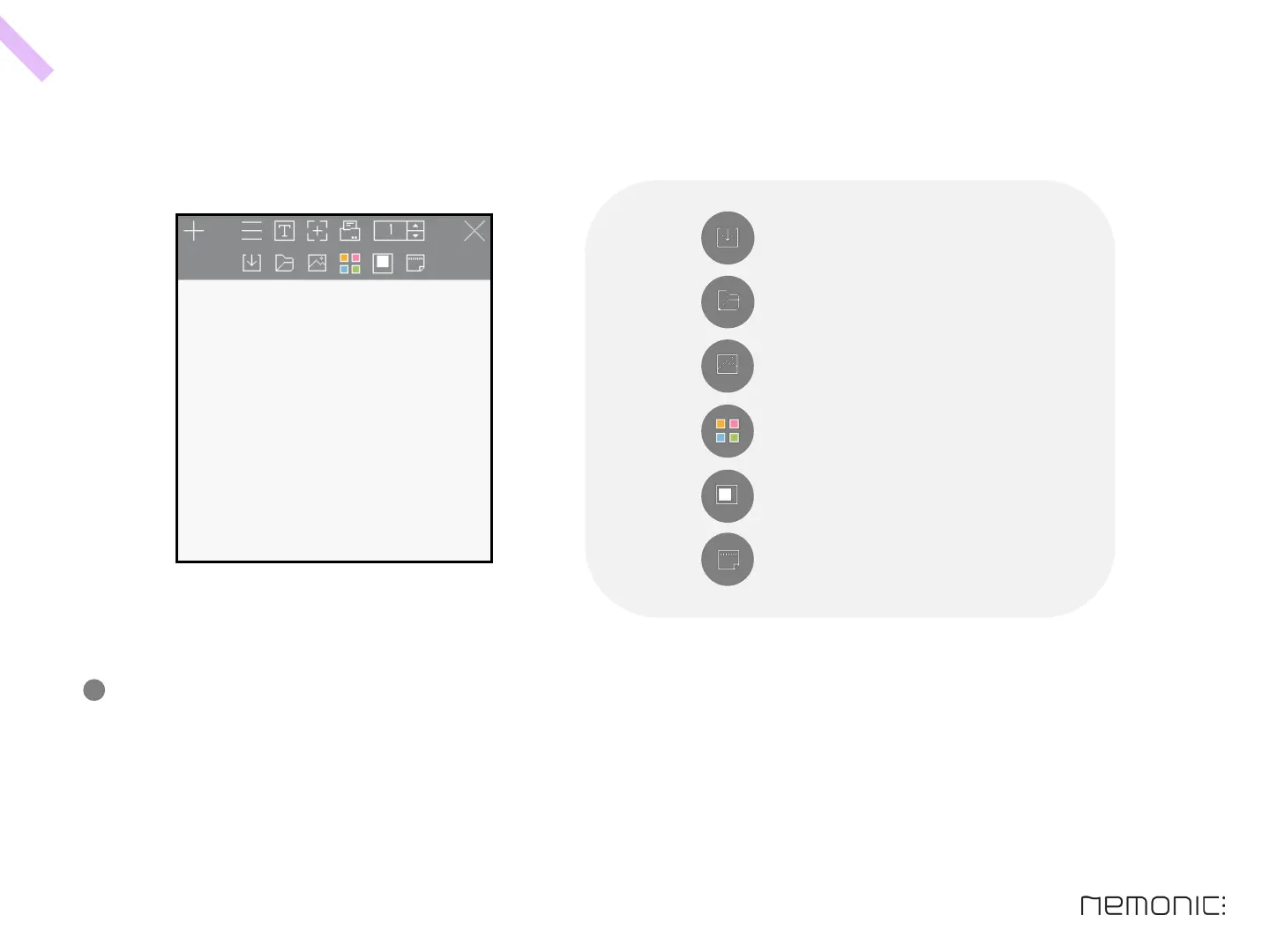
D e t a i l m o d e
-
You can change the paper size and the sticky side of memos to be printed.
Also you can save the content of the memos, change color theme, and open settings.
Icon description
Save memo
Open memo & import template & set settings
Add image on memo
Change memo color theme
Change paper size of memo
Change sticky side
33
How to use the PC program


 To Next Page