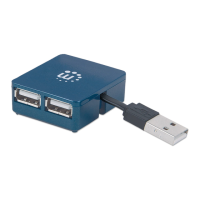
Thank you for purchasing the MANHATTAN
®
Hi-Speed USB 2.0 Micro Hub, Model
160605.
Installation
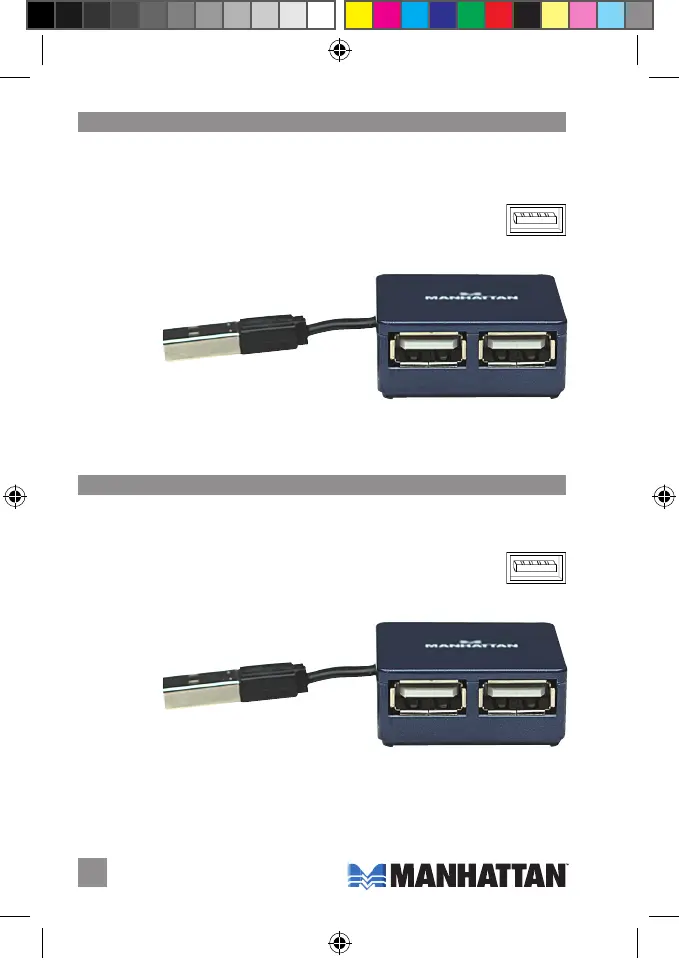
1. With your computer on, connect the hub’s built-in cable to an available
USB port (right). Your operating system will detect the hub and install
any required driver(s) automatically.
2. Connect your keyboards, mice, Web cams or other devices to any of the four Hi-Speed
USB 2.0 ports on the Micro Hub.
•
Overcurrent protection and hot-swappable
•
Plug and Play – Windows and Mac compatible
•
Transfer speeds: 1.5 / 12 / 480 Mbps
•
Up to 500 mA power, all ports
2
ENGLISH / DEUTSCH
Built-in, self-storing
USB cable
(Standard-A)
4 Hi-Speed USB 2.0 ports
Vielen Dank für den Kauf des MANHATTAN
®
Hi-Speed USB 2.0 Micro Hub, Modell 160605.
Installation
1. Schließen Sie das integrierte Kabel des Hubs bei eingeschaltetem
Computer an einen USB-Port an (s. rechts). Ihr Betriebssystem erkennt
den Hub und installiert den/die benötigten Treiber automatisch.
2. Schließen Sie Tastatur, Maus, Webcam oder andere Geräte beliebig an den vier Hi-Speed
USB 2.0-Ports des Micro Hubs an.
•
Überspannungsschutz, Hotswap-fähig
•
Plug & Play, kompatibel mit Windows und Mac Systemen
•
Übertragungsrate: 1,5/12/480 Mbit/s
•
Bis zu 500 mA Strom auf allen Ports
Integriertes
USB-Kabel
(Standard-A)
4 Hi-Speed USB 2.0-Steckplätze
Hi-Speed USB 2.0 Micro Hub • Manuale utente English
Hi-Speed USB 2.0 Micro Hub • Handbuch Deutsch


 To Next Page