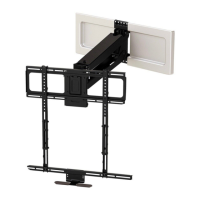
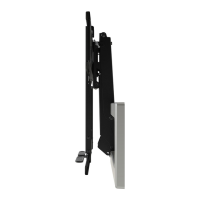
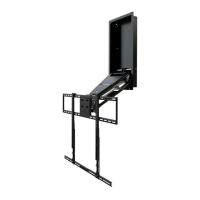
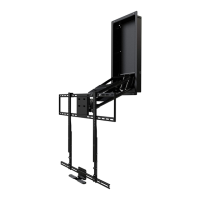
BEFORE INSTALLATION
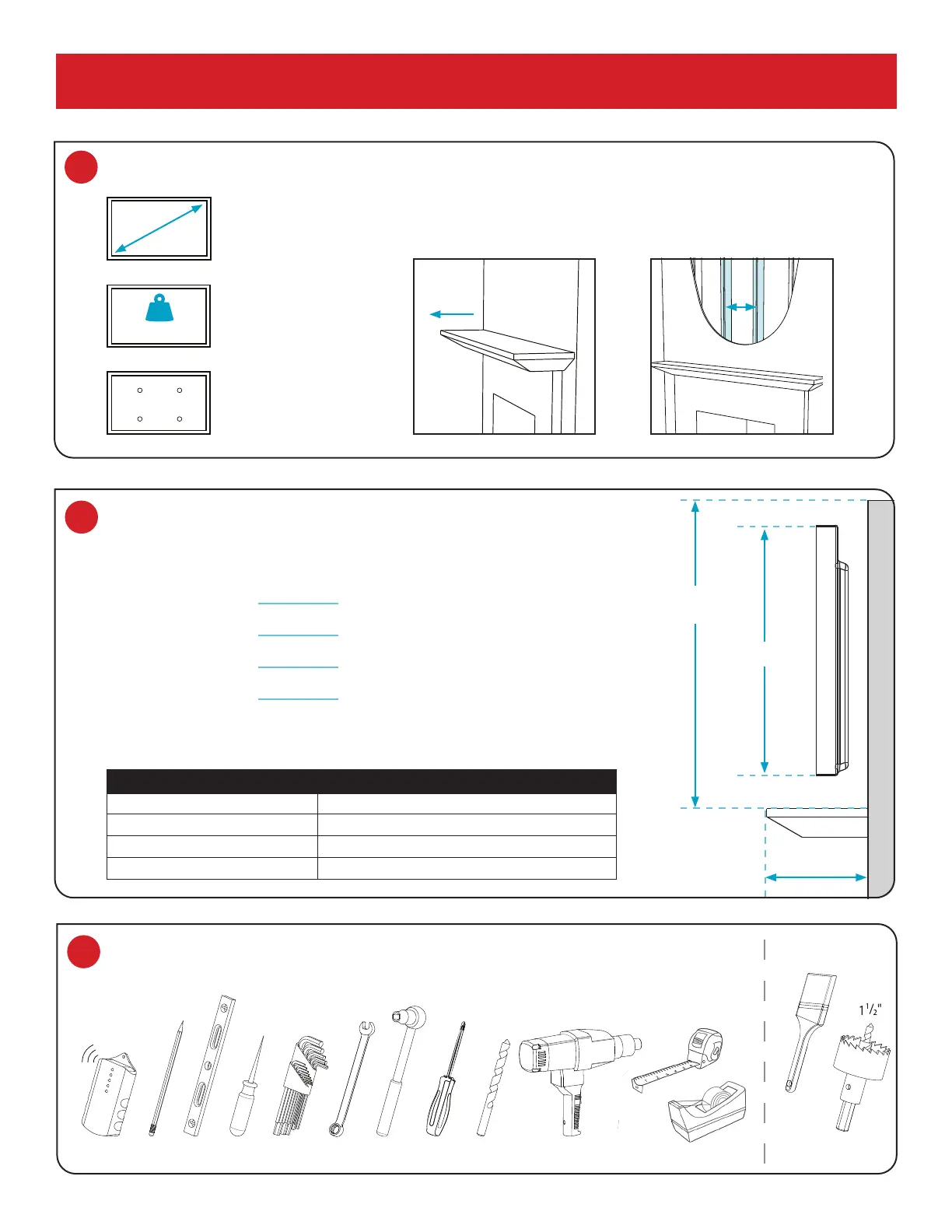
1 Verify TV and mount space meet these criteria:
VESA
Width: 200-700mm
Height: 100-500mm
SCREEN SIZE
44" to 80"
(Diagonally)
2 Verify MantelMount will t the wall space.
VESA
Width: 200-700mm
Height: 100-500mm
44" – 80"
VESA COMPLIANT
Width: 200–600mm
Height: 200–600mm
WEIGHT CAPACITY
20 to 90 LBS.
(Including Sound Bar)
WOOD STUDS FOR MOUNTING
Studs Maximum 32" apart;
Wall Covering Maximum 5/8"
MANTEL DEPTH
18" MAXIMUM
VESA
Width: 200-700mm
Height: 100-500mm
MAX 90 LBS
18" MAX
WALL SPACE
HEIGHT
TV HEIGHT
MANTEL DEPTH
If Mantel Depth is: Required Vertical Space is:
Less than 9" TV height + 4"
9" – 11" TV height + 5"
11" – 14" TV height + 6"
14" – 18" TV height + 8"
A. Use the reference diagram (right) and chart (below) to write down the following
measurements (in inches):
Wall Space Height
: (Distance from mantel to ceiling/crown moulding.)
TV Height:
(Include sound bar height if placing below TV.)
Mantel Depth:
(Distance mantel extends away from the wall.)
Required Vertical Space:
(Calculation from chart below.)
B. If the Required Vertical Space is less than or equal to the Wall Space
Height, then MantelMount will t the wall space.
STUDS
MAX 32"
APART
MM440 Installation Instructions 2
3 Verify you have the required tools.
4–5mm
10–14mm
AWL
DRILL BIT POWER DRILL
PENCIL LEVELSTUD FINDER WRENCH SOCKET WRENCHALLEN WRENCHES
TAPE MEASURER TAPE DISPENSER
OPTIONAL
PAINT
BRUSH
HOLE SAW
PHILLIPS
7/32"


 To Next Page
 Loading...