To Power on: Hold the Power button for 3 seconds.
To Power off: Hold the Power button for 4 seconds.
Note:
1. To prevent loss of data, always turn off the camera before removing
the battery or memory card.
2. The camera will automatically turn off after removing the memory
card or battery.
Powering Camera
On and O
06 07
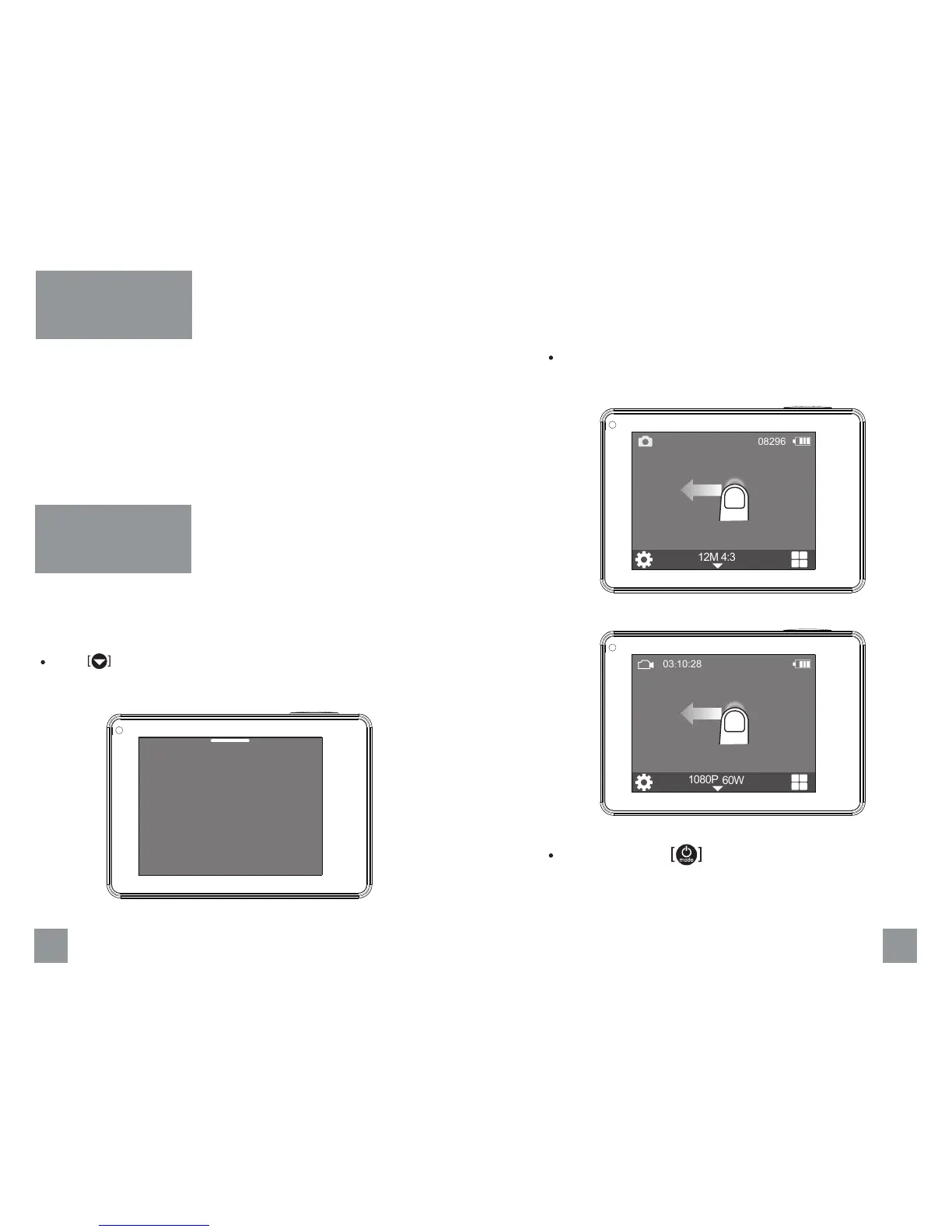
There are three camera modes, Video, Photo and Playback. You can
choose the camera mode in the main menu, press mode button or
swipe left to change the capture mode.
Touch to enter main menu and choose the camera mode.
Change Camera
Mode
Main Menu
Video PlaybackPhoto
08296
Press mode button to change the capture mode.
Swipe left on the main screen to change the capture mode.
4:3
12M
03:10:28
60W
1080P
No GPS


 To Next Page