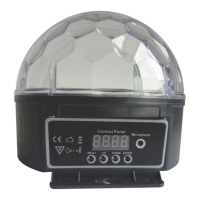
CH3
-
Green LED brightness goes from dim to bright
CH4
-
Blue LED brightness goes from dim to bright
CH5
-
-
Positive infinite rotate from slow to fast
192-
255
Reverse direction rotate from slow to fast
CH6
-
-
Red light Au01 from slow to fast
-
Green light Au02 from slow to fast
106-
155
Blue light Au03 from slow to fast
156-
205
Smooth change colours from fast to slow
206-
250
Fade change colours from fast to slow
251-
255
Sound model
Display Panel Instructions
• Start up and press the “MENU” button to change Channel.
• Press the “UP” and “DOWN” buttons to select the rotation speed (1 is the
slowest, 9 is the fastest). Then press “ENTER” to confirm the mode.
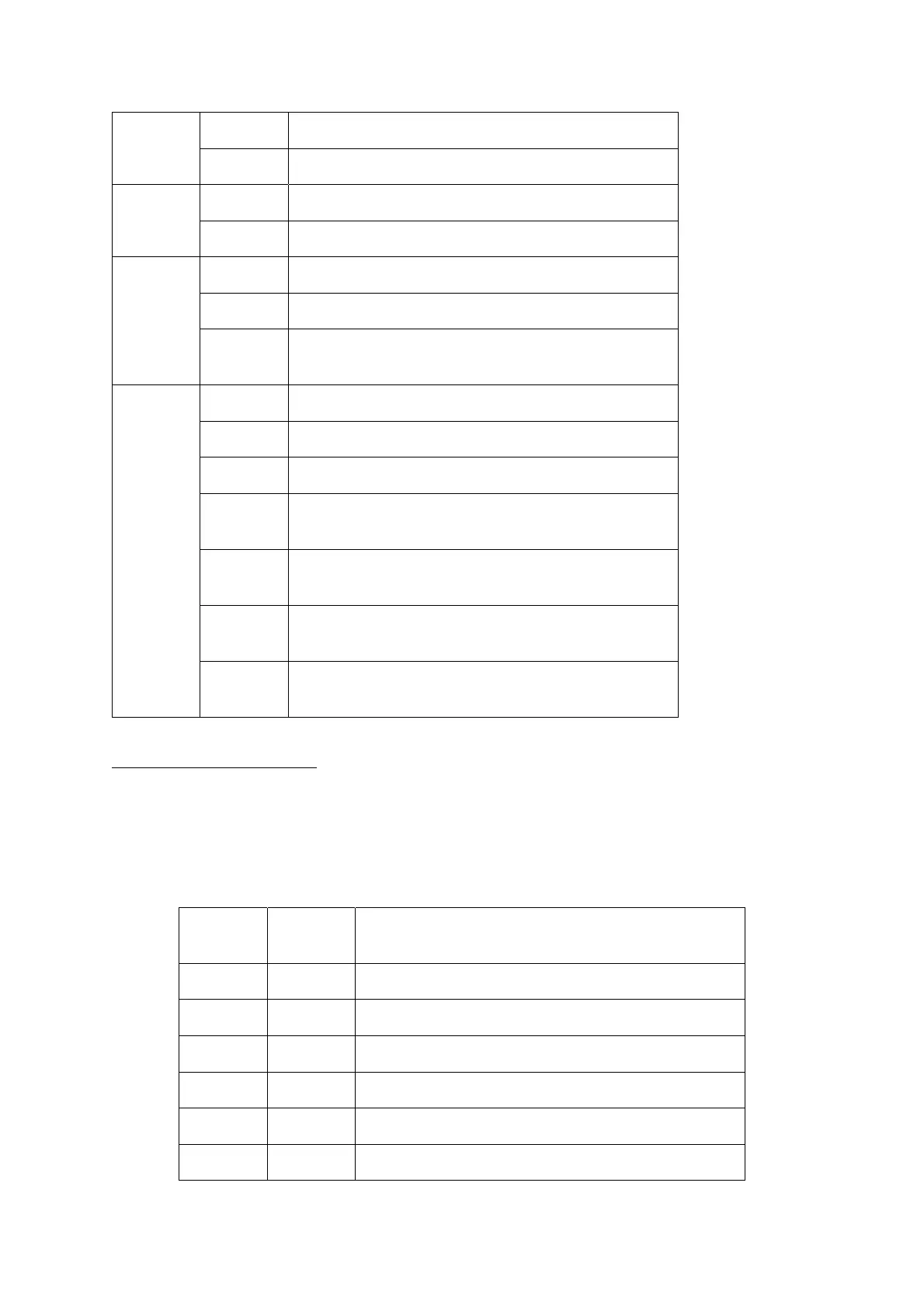
Channel
Rotation
Speed
Functional Description
–
–
–
–
Three Changing Colours Mode
–
Seven Changing Colours Mode
–
Fade Changing Colours Mode


 To Next Page
 Loading...