English
- Synchro recording with Marantz one-way cassette
deck, or Marantz auto reverse cassette deck set to
one side (O) mode.
1. After setting up Edit program automatically or
manually, setup the cassette deck to rec pause
state.
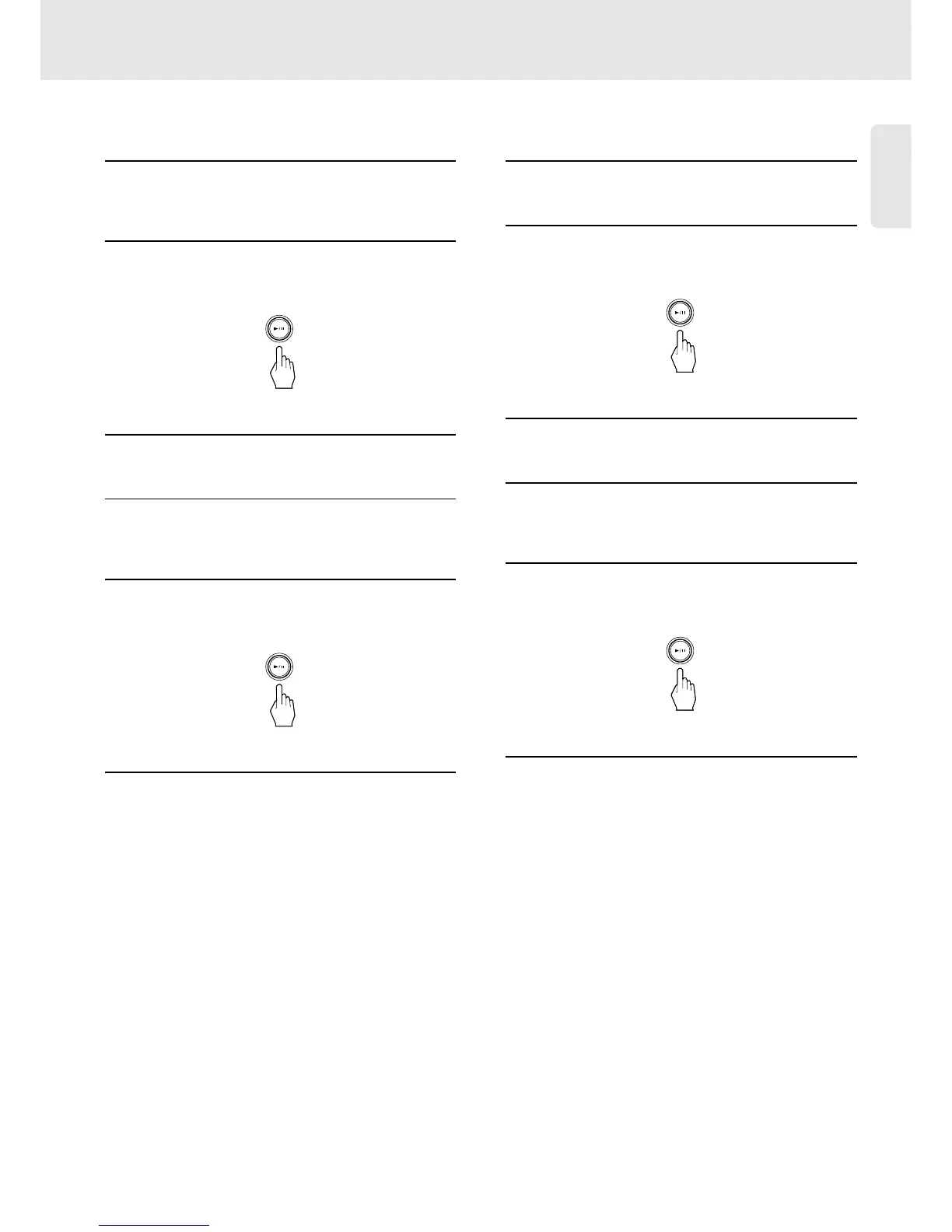
2. Press Play/Pause button of the unit to start A side
program. The player sends out signal to start
recording and starts playing A side program after 4
seconds.
3. After A side program complete, player turns to the
pause state at the beginning of B side program.
4. When A side of the tape ends up, Reverse cassette
tape or invert recording direction manually and set
to rec pause state.
5. Press Play/Pause button of the unit manually to
start B side recording. Player sends out signal to
restart recording and starts playing B side program
after 4 seconds.
6. After B side program complete, player stops
playing and clears edit program automatically.
- Recording with Marantz cassette deck without
remote cable connection, and recording with the
cassette deck other than Marantz.
1. After setting up Edit program automatically or
manually, start recording of cassette deck first.
2. Press Play/Pause button of the unit to start A side
program. Then player starts playing A side
program after 4 seconds.
3. After A side program complete, player turns to the
pause state at the beginning of B side program.
4. When A side of the tape ends up, Reverse cassette
tape or invert recording direction manually and start
recording.
5. Press Play/Pause button of the unit to start B side
recording. Then player starts playing B side
program after 4 seconds.
6. After B side program complete, player stops
playing and clears edit program automatically.
21
Operations


 To Next Page