English
5. When deleting other tracks on that disc within 8
seconds after the above step 4, repeat the above
steps 3 and 4 and when deleting the tracks on
other discs, repeat the above steps 2, 3 and 4.
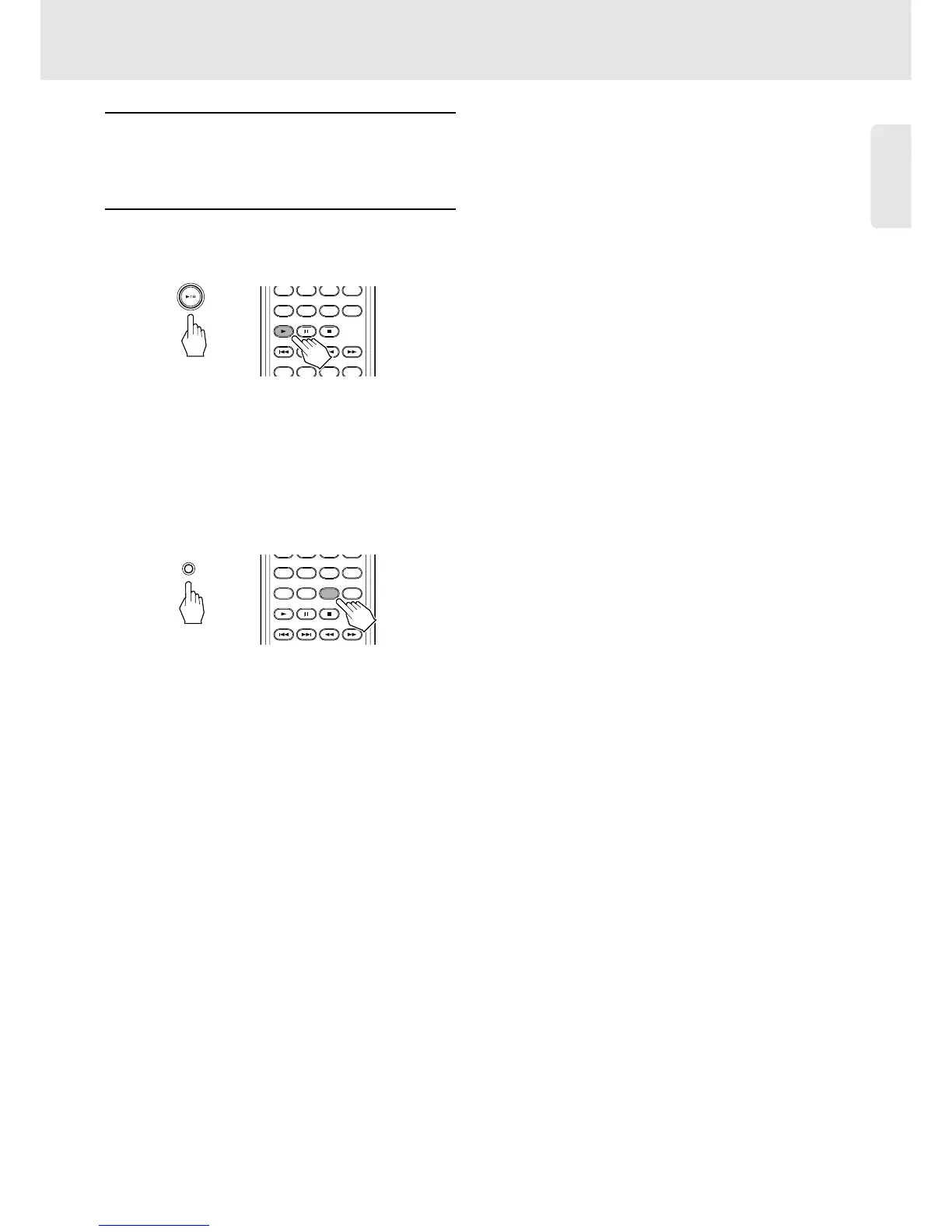
6. Start the deleted play.
Press Play/Pause button on the unit or the Play
button on the remote control.
or
❖ Checking the Deleted Selections
• Each time the DELETE button on the unit or the
DELETE button on the remote control is pressed in
the delete mode (meaning “DELETE” lights up in
the stop mode), the deleted selections will appear in
the deleted sequence.
or


 To Next Page