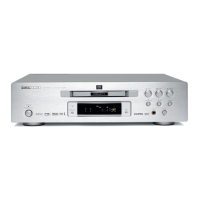
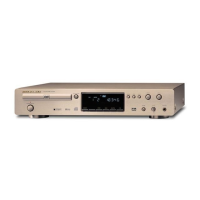
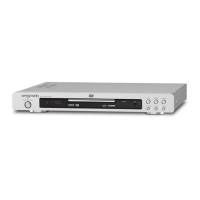
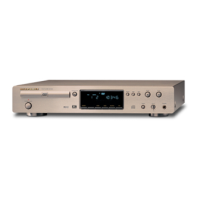
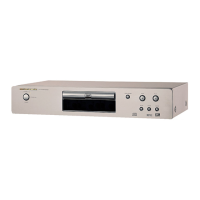
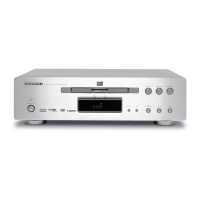
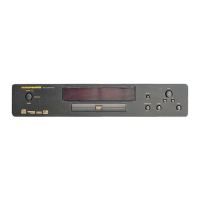
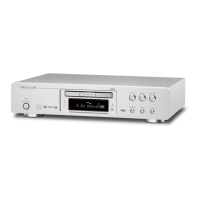
Partner: Marantz
Model: DV9500
Device Type: DVD Player
CONTROL:
Power_on/stby/toggle
D
Pulse to turn the DV9500 on and off. The DV9500 will NOT turn on if the Economy
Mode is ENABLED.
Tray_open/close/toggle D Pulse to open and close the tray.
Play/stop/pause/ skip+/skip-
Fast_serach+/-
slow_search+/-
D Pulse to control the transport functions.
Repeat D Pulse to cycle through the repeat functions.
Repeat_ab D Pulse to cycle through the repeat AB functions.
Program D Pulse to active the program function.
Random D Pulse to cycle through the random functions.
Step D Pulse to activate the step function.
Marker D Pulse to set the marker.
Page+/- D Pulse to step through the pages.
Search D Pulse to activate the search function.
Setup D Pulse to activate the setup function.
Topmenu D Pulse to go to the top menu.
Menu D Pulse to turn the menu on and off
Subtitle D Pulse to turn the subtitles on and off.
Audio D Pulse to activate the audio function.
OSD D Pulse to turn the On Screen Display on and off.
Front_Display_* D Pulse to set the brightness of the DV9500’s front panel.
Num*
D
Pulse to enter track or chapter numbers. The num+10 is need for tracks or
chapters above 9. Pulse the num+10 once for 10 to 19, twice for 20 to 29.


 To Next Page