26
LED Light
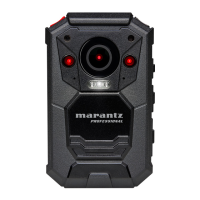
When on, the LEDs at the top of PMD-
901V will indicate its current status. The
left LED will be green when powered on
and flash red while recording. The right
LED will be blue while charging. When
off, the LEDs will always be off.
Off, On
Key Tone
When on, PMD-901V will play a tone
(“beep”) each time you press a button.
When off, the tone will be disabled.
Off, On
Volume
The volume of PMD-901V’s speakers.
This affects the loudness of video
playback, audio playback, the key
tone, record warning, and any other
sounds played by PMD-901V. This
does not affect the volume of the
recorded video or audio files
themselves.
0–12
ID Setting
The identification/serial numbers of the
specific PMD-901V device (Device
SN) and its user (Person SN).
By default, the
Device SN is
00000, and the
Person SN is
000000.


 To Next Page