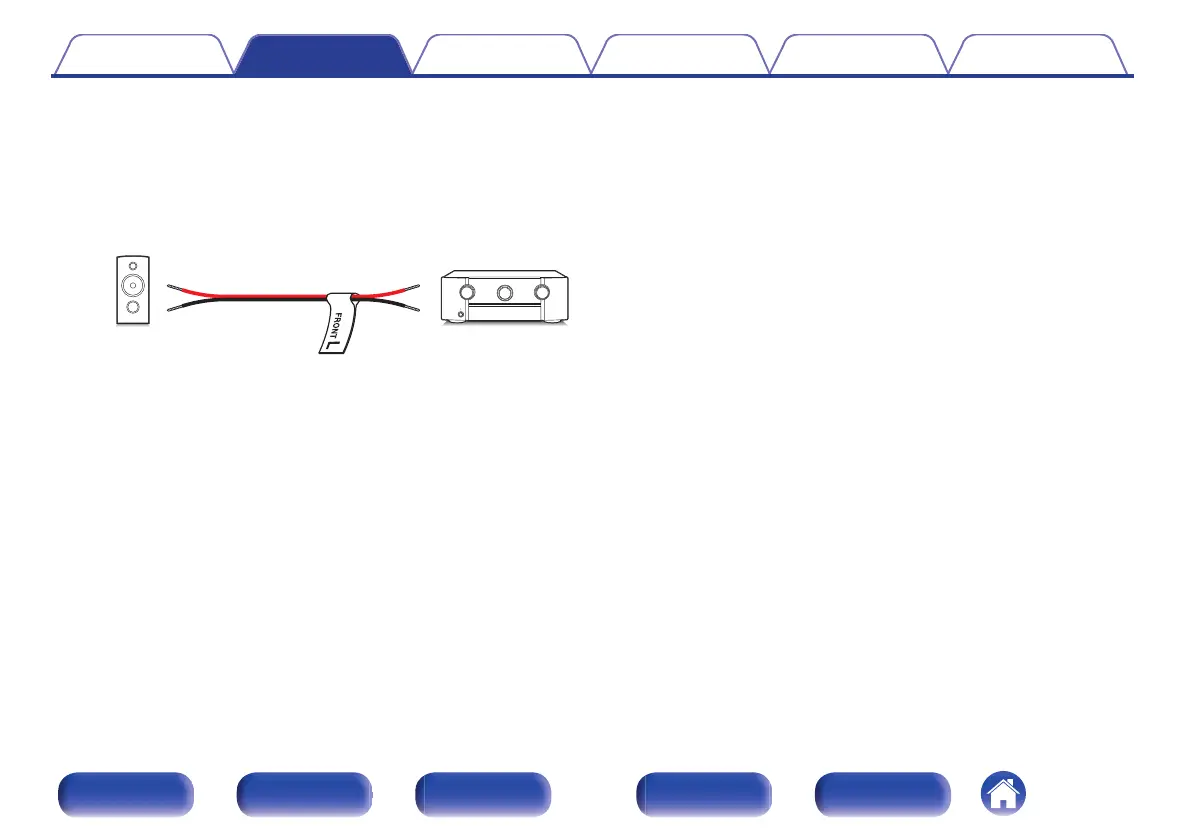
Attach the cable label for each channel to its speaker cable as shown
in the diagram.
Refer to the table and attach the label to each speaker cable.
Then, make connection so that the color of the speaker terminal
matches that of the cable label.
G How to attach the cable labels H
.
Contents Connections Playback Settings Tips Appendix
47
Front panel Display Rear panel Remote Index



 To Next Page