- Press S3 or long press the screen to enter each function
submenu.
- Press S4 to go back to the previous menu/home screen.
Main functions in smartwatch
The main menu includes the following functions:
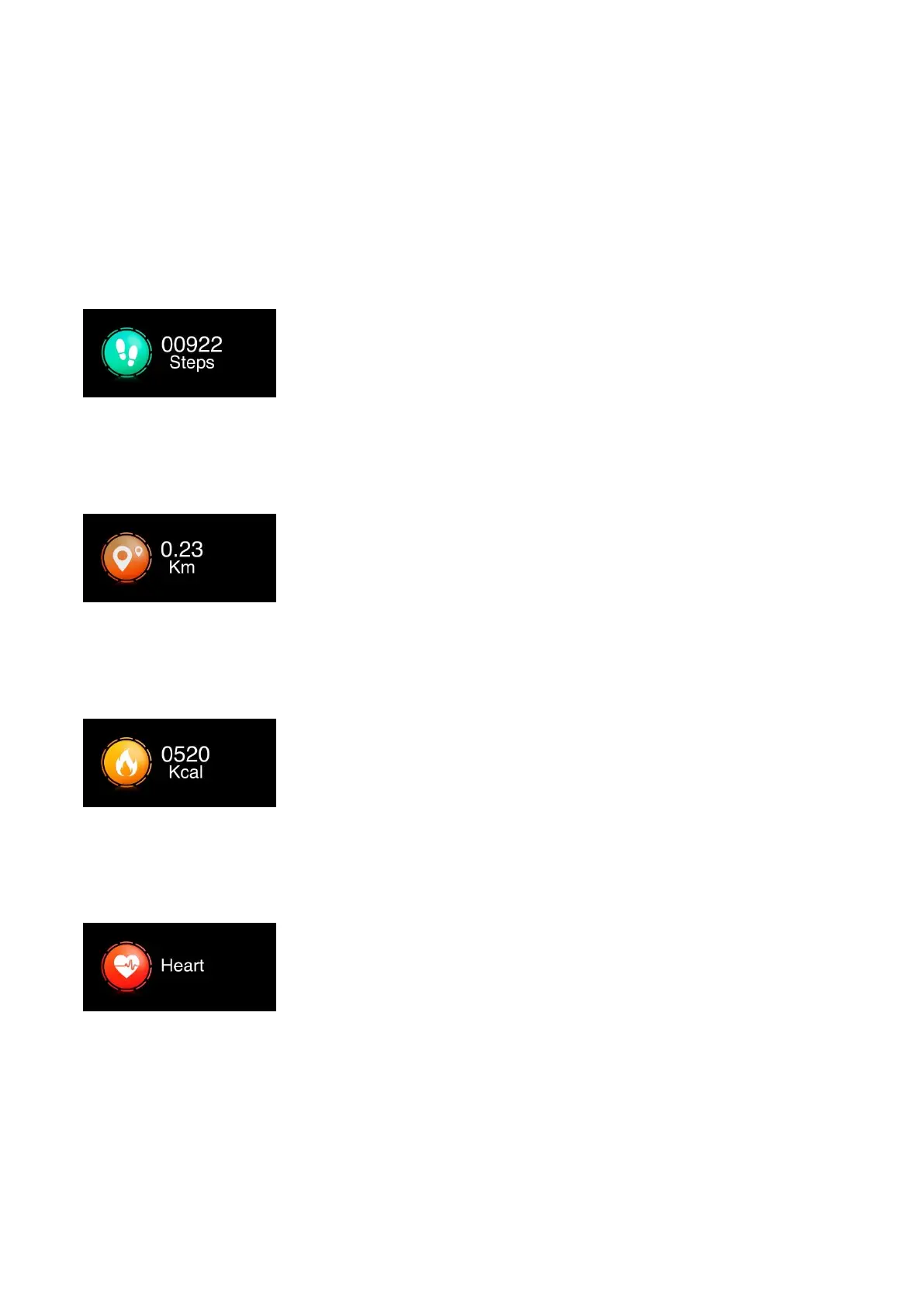
Steps
Shows the steps taken on the current
day. The data is cleared at 00:00 every
day. You can check the historical data on
the app.
Distance
Shows the distance walked on the
current day. The data is cleared at 00:00
every day. You can check the historical
data on the app.
Calories
Shows the calories consumed on the
current day. The data is cleared at 00:00
every day. You can check the historical
data on the app.
Heart rate
The heart rate measurement will start
automatically. Wait until the test ends
and the result will be shown on the
screen. The test result will be saved in
more detail on the app.



 To Next Page