14
Control Unit: Parameter einstellen • Control Unit: Setting Parameters • Control Unit: Réglage des
Control Unit: Impostazione dei parametri • Control Unit: Ställ in parameter • Control Unit:
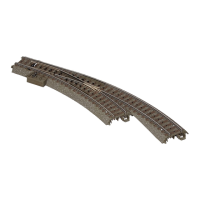
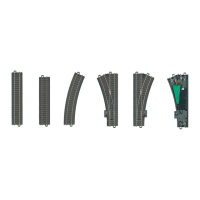
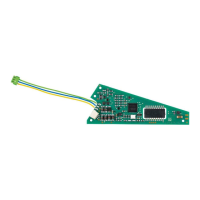
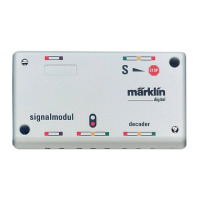
1. Aufbau • Setup • Montage • Opbouw • Dessarolo •
Installazione • Monterring • Opbygning
2. a: Control Unit einschalten. b: Stop-taste drücken.
a: Turn the Control Unit on. b: Press the „Stop“-button.
a: Brancher Control Unit.
b: Presser touche Stop.
a: Control Unit inschakelen.
b: Stoptoets indrukken.
a: Conectar la Control Unit.
b: Pulsar la tecia Stop
a: Accendere la Control Unit.
b: Premere il tasto Stop
a: Koppla in Control Unit.
b: Tryck tangent „Stop“
a: Tænd Control Unit.
b: Tryk på Stop-tasten
6002
60052
1
2
3. Adresse „80“ eingeben
Enter the address „80“
Introduire adresse „80“
Adres „80“ invoeren
Introducir el código „80“
Introdurre l‘indirizzo „80“
Mata in adress „80“
Indtast adresse „80“
1
2
80


 To Next Page