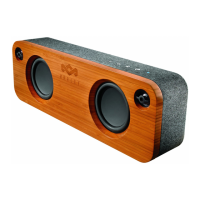
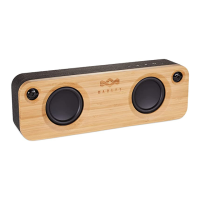
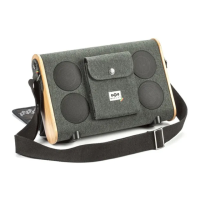
Need help?
Do you have a question about the Marley Get Up Stand Up and is the answer not in the manual?
Lists all items included with the Get Up Stand Up system for setup and usage.
Instructions on how to connect the Get Up Stand Up to a power source for operation.
Guides on pairing Bluetooth devices and connecting via auxiliary input for audio playback.
Details on how to initiate and enter Bluetooth pairing mode for device connection.
Explains the solid blue LED indication when a device is successfully paired and connected.
Instructions for connecting external audio devices using auxiliary ports.
How to manage connections when both Bluetooth and auxiliary devices are active.
Step-by-step guide on turning the system on/off and adjusting volume levels.
Information on using the USB port to charge external devices connected to the system.
Essential safety precautions and warnings for the proper and safe use of the product.
Explanation of the WEEE symbol and guidelines for responsible product disposal.
Information regarding battery disposal in accordance with the Battery Directive.
Crucial warning about ingesting button cell batteries and the risk of severe chemical burns.
 General
| Model | Get Up Stand Up |
|---|---|
| Connectivity | Bluetooth |
| Material | Bamboo |
| Speaker Configuration | Stereo |
| Brand | Marley |
| Compatibility | Bluetooth devices |
| Water Resistance | No |


 To Next Page