© MARMITEK
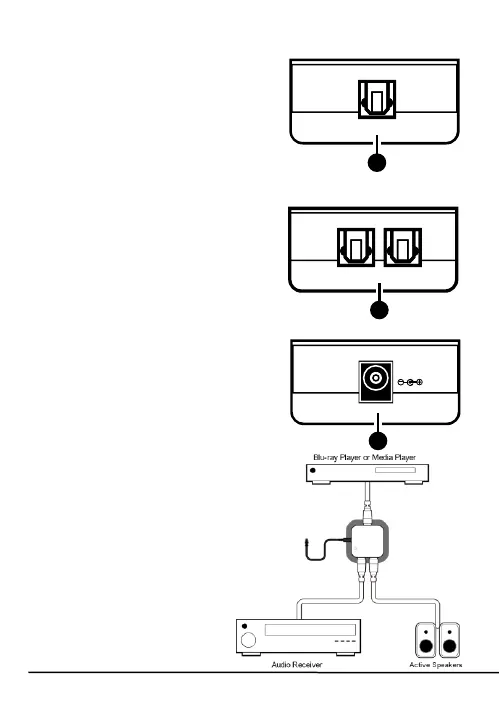
6.2 Left
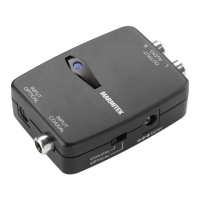
1. Optical In: Connect your
audio source to these
inputs with an optical
(Toslink) digital audio cable
(not supplied).
6.3 Right
1. Optical Out: Connect your
audio amplifier or powered
speakers to these outputs
using an optical (Toslink)
digital audio cable (not
supplied).
6.4 Back
1. DC 5V: Connect the power
adapter (included) and plug
it into the mains.
7 Connection diagram



 To Next Page