- 4 -
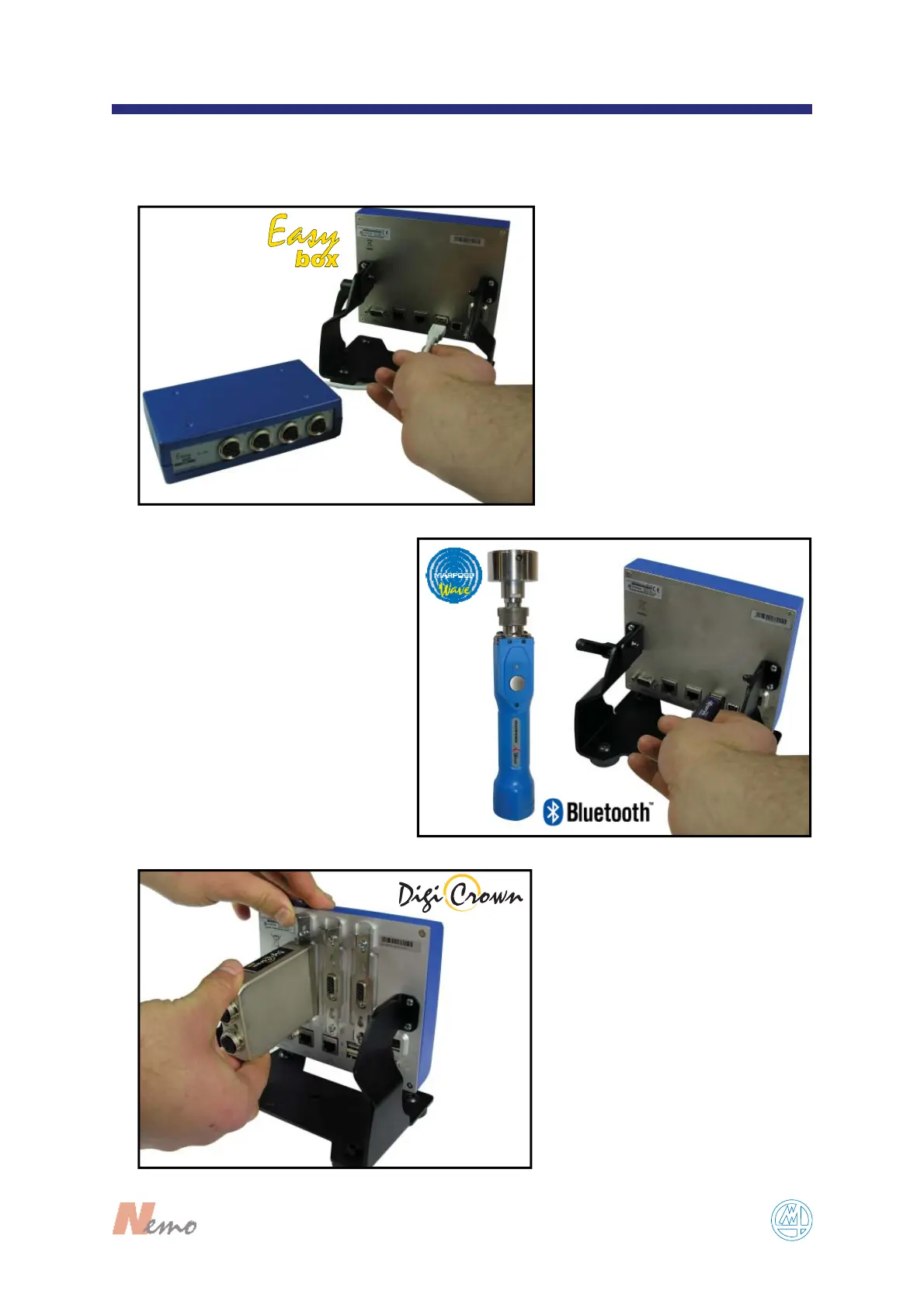
FIGURE 1
1
EasyBox using the USB port
(see F
IGURE 1).
Bluetooth® key dongle for
wireless Marposs wave devices
using the USB port (see F
IGURE 2).
FIGURE 2
F
IGURE 3
DigiCrown box making sure
the box is locked in position
by pushing the tab down
(see F
IGURE 3).
This chapter describes the operations sequence to connect all devices.


 To Next Page