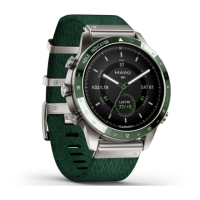
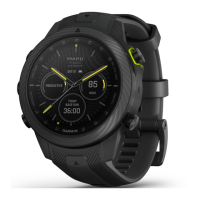
MARQ Golfer (Gen2) 13
EN
NOTICE
Both the device and its charger contain
magnets. Under certain circumstances,
magnets may cause damage to some
electronic devices, including hard
drives in laptop computers. Use caution
when devices and chargers that contain
magnets are near electronic devices.
To prevent corrosion, thoroughly
clean and dry the contacts and the
surrounding area before charging or
connecting to a computer. Refer to the
cleaning instructions in the owner’s
manual.
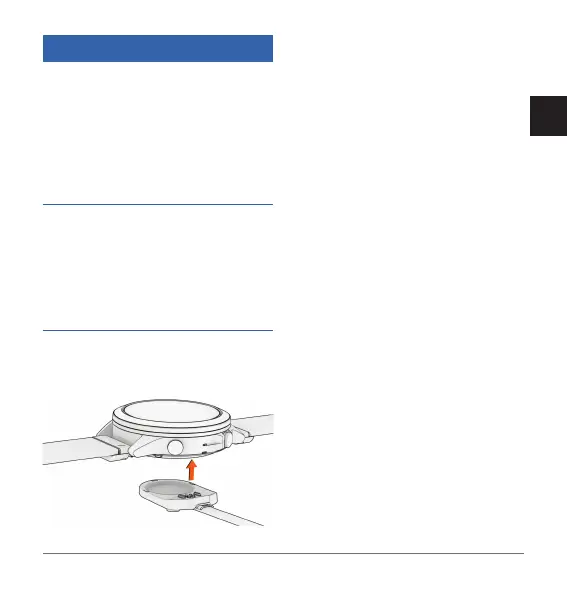
1 Align the charger with the back of
the device, and press the charger
into place.
2 Plug the USB cable into a USB
charging port.
The watch displays the current
battery charge level.
Specifications
NOTE: Visit the product page for full
specifications.
Operating temperature range: From -20
to 45°C (from -4 to 113°F)
Charging temperature range: From 0 to
45°C (from 32 to 113°F)
Approach CT10 Specifications
Operating temperature range: From -10°
to 50°C (from 14° to 122°F)
Wireless frequency: 2.4 GHz @ -0.45
dBm maximum
Troubleshooting
Restarting Your Watch
1 Hold LIGHT until the watch turns off.
2 Hold LIGHT to turn on the watch.
Getting the Owner’s Manual
The owner’s manual includes


 To Next Page
 Loading...