Use Instructions
How to use it:
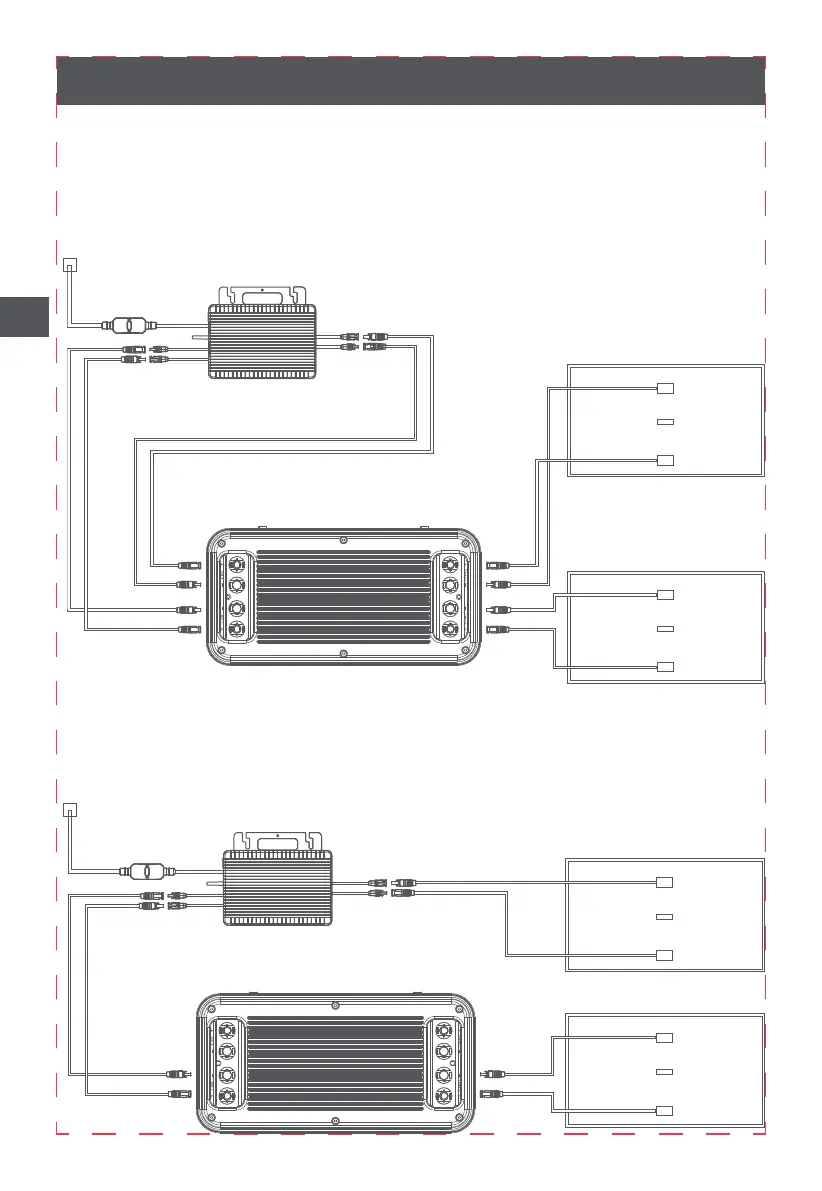
1.Connect the solar panel to B2500 PV IN;
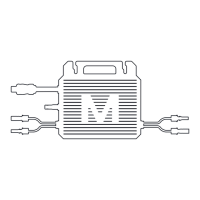
2. Connect the micro inverter MC4 input to B2500 MC4 OUT;
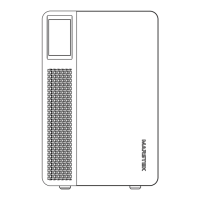
3.Long press the B2500 switch button until the power display state light up;
4. If not in use, you can Long press 10S the switch button to turn off the B2500.
*Solar photovoltaic panels
need to buy separately.
*Micro inverter not included.
If you find that the micro-inverter is not functioning properly after the connection described
above, please connect as follows: Connect one of the micro-inverse to the Output1 of the
product, and the other micro-inverse should either be disconnected or connected to the solar
energy.
3
EN


 To Next Page