5
• Do not use or store the equipment in dusty or dirty
areas.
• Do not store the equipment under high-temperature or
low-temperature conditions (this may damage it).
• Do not drop, knock, or shake the equipment as it may
damage it.
Installation
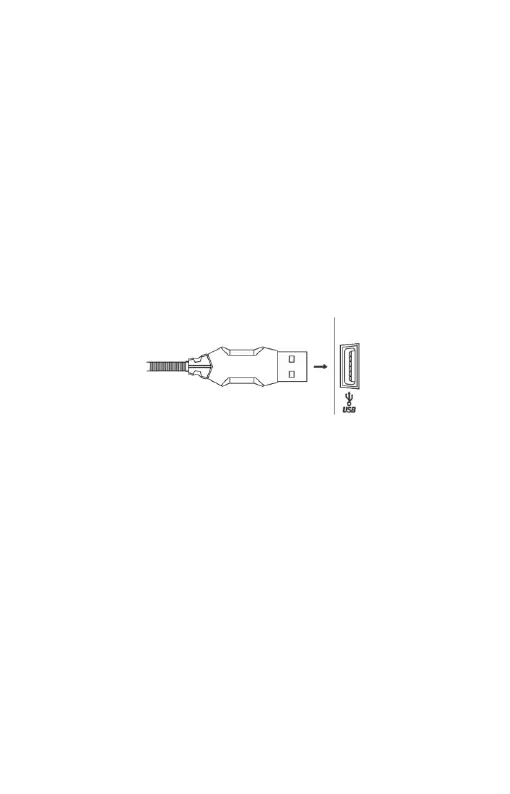
Connect the mouse to an available USB port on your
computer. When connecting for the first time, wait 15
seconds until the generic driver is installed.
For advanced mouse configuration, please download and
install the specialized driver at www.marvo-tech.hk (an
Internet connection is required):
• download the driver and double-click the executable file
• follow the on-screen instructions and install the
application
• after installing the application successfully, an icon will
be displayed in the taskbar
• double-click this icon to launch the application


 To Next Page