EasyManua.ls Logo

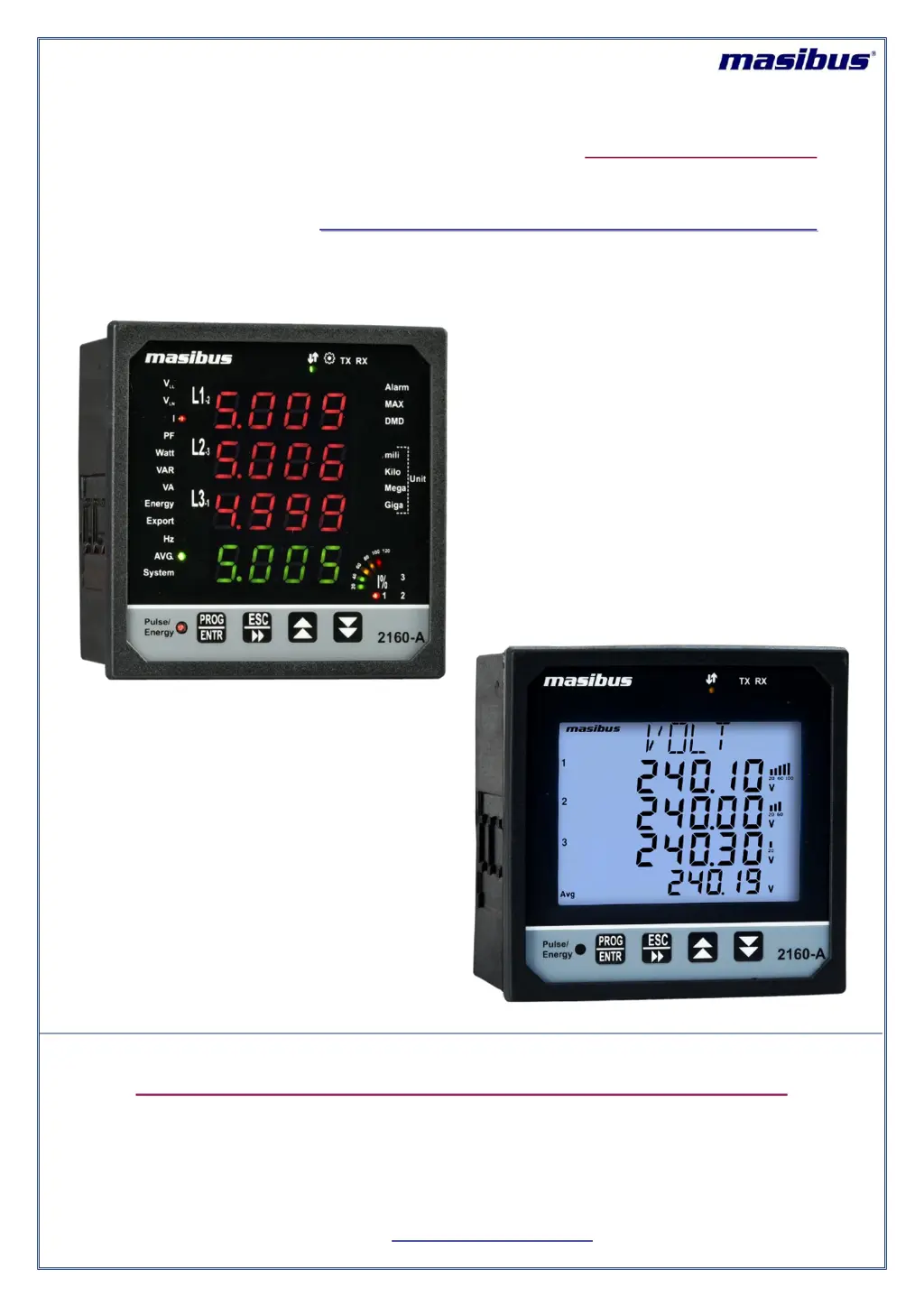
Masibus PM2160-A - User Manual

Masibus PM2160-A
36 pages
Print Icon
To Next Page IconTo Next Page
Loading...
Masibus Automation And Instrumentation Pvt. Ltd.
B/30, GIDC Electronics Estate,
Sector-25, Gandhinagar-382044, Gujarat, India
+91 79 23287275-79 +91 79 23287281-82
Email: support@masibus.com
Web: www.masibus.com
User’s Manual
M
M
U
U
L
L
T
T
I
I
F
F
U
U
N
N
C
C
T
T
I
I
O
O
N
N
M
M
E
E
T
T
E
E
R
R
P
P
M
M
2
2
1
1
6
6
0
0
-
-
A
A




Questions and Answers

Summary

2. SPECIFICATIONS

4. TERMINAL CONNECTIONS

6. INSTALLATION GUIDELINE

6.1 Safety;Warning Precautions

Critical safety instructions for installation and handling.

6.4 PTs and CTs

Explanation and guidelines for using Potential and Current Transformers.

7. MODBUS DETAILS

7.1 Modbus Register Map for 3 P4 W parameters

Details Modbus registers for 3-phase, 4-wire system parameters.

7.2 Modbus Register Map for 3 P3 W Parameters

Details Modbus registers for 3-phase, 3-wire system parameters.

7.3 Modbus Register Map for configuration parameters

Details Modbus registers for meter configuration parameters.

8. IMPORTANT NOTES

9. TROUBLESHOOTING TIPS

Display Blank Troubleshooting

Troubleshooting steps for a blank display after power application.

Data Inaccuracy Troubleshooting

Troubleshooting steps for inaccurate or unexpected displayed data.

Communication Troubleshooting

Troubleshooting steps for communication issues with a PC.

Summary

2. SPECIFICATIONS

4. TERMINAL CONNECTIONS

6. INSTALLATION GUIDELINE

6.1 Safety;Warning Precautions

Critical safety instructions for installation and handling.

6.4 PTs and CTs

Explanation and guidelines for using Potential and Current Transformers.

7. MODBUS DETAILS

7.1 Modbus Register Map for 3 P4 W parameters

Details Modbus registers for 3-phase, 4-wire system parameters.

7.2 Modbus Register Map for 3 P3 W Parameters

Details Modbus registers for 3-phase, 3-wire system parameters.

7.3 Modbus Register Map for configuration parameters

Details Modbus registers for meter configuration parameters.

8. IMPORTANT NOTES

9. TROUBLESHOOTING TIPS

Display Blank Troubleshooting

Troubleshooting steps for a blank display after power application.

Data Inaccuracy Troubleshooting

Troubleshooting steps for inaccurate or unexpected displayed data.

Communication Troubleshooting

Troubleshooting steps for communication issues with a PC.

Masibus PM2160-A Specifications

General IconGeneral
DisplayLCD
EnclosureIP65
Response Time1 second
Input TypeAnalog
Accuracy±0.5% FS
Power Supply85 to 265V AC, 50/60 Hz
OutputRelay, Analog
CommunicationRS485
Digital Input2
Digital Output2 channels
Resolution0.1
Operating Temperature0 to 50°C
Operating Humidity10% to 90% RH
Dimensions96 x 96 mm
Weight500g