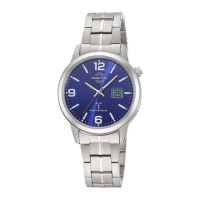
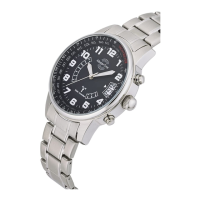
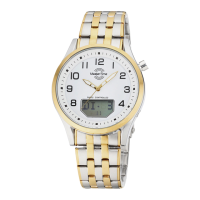
Trend News Europe GmbH, Eichholzer Str. 3c, D-21436 Marschacht TD28D-03/ 05/24
Operating manual: Radio-Controlled movement TD28D-3
Product features:
Radio-controlled and DST automatic switching.
Perpetual calendar
Time zone setting
Up to 3 years battery life, depending on usage
LCD display with day/date display in German or English, Second, Signal reception
Battery Type: shown on case back: CR1620 lithium manganese dioxide)
1. Initial Setup (important for correct setting of radio-controlled watch)
Due to heavy shocks or magnetic fields, the hand position may differ from the internally saved radio time. the initial setup serves to resynchronize the hands with
the Internally saved radio time.
Please check first if the correct time zone has been selected (point 6)
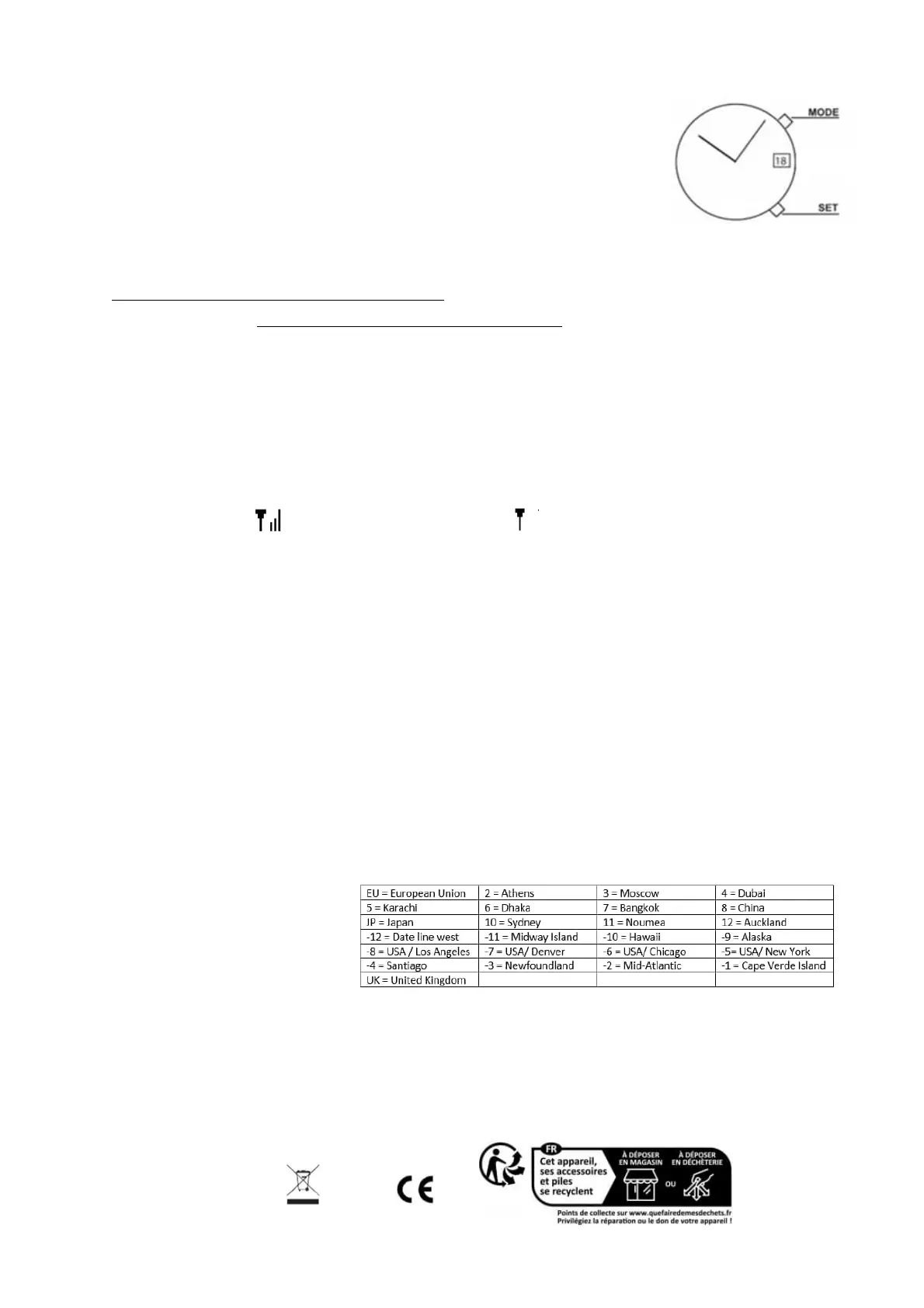
Press and hold SET for 8 seconds. The LCD will flash and Time-Zone will be displayed. Please hold SET furthermore for 8 seconds.
The LCD display shows “RS“. ATTENTION: don‘t stop to hold SET till the display shows "RS"!
o All hands start to rotate to 12:00 position. Please be patient until All hands stop running.
o Press SET stepwise to set all hands on 12:00 (if needed).
o You can press SET for 8 seconds to re-activate auto run. Press SET again short to stop auto run before 12:00 position. After that, press SET
stepwise for calibration exactly on 12-position for all hands.
All hands are positioned on 12h. The watch will be automatically adjusted to standard time. This procedure will take around 3-5 Minutes. Please do not press
any button while hands calibration is in process.
2. Checking Radio Reception
The radio clock will attempt to receive the DCF77 radio-control signal every day between 2:00 and 3:00. However, interference with reception might occur due to
Thunderstorms or electrical disturbance.
You can check the radio reception status as following:
Press MODE stepwise
The LCD display shows Signal symbol the reception attempt was successful., If it is The reception attempt was not successful.
3. Manual Radio Reception signal
A manual call for the transmitter is always possible, but might fail due to bad weather conditions or electronic devices in the vicinity.
Press MODE and hold for 3 seconds.
The second hand rotates to 12:00, The LCD display shows the signal reception. The process will take 3-8 minutes.
The watch will will adjust the correct time after the radio signal has been successfully received.
4. Setting of LCD Display (The LCD Display can show da of week, second, signal status and date)
Press MODE to choose the desired option.
5. Language of index in LCD Display
The display information is either in German or English
Press SET and hold for 3 seconds until the LCD display shows EU.
Press SET Once, the LCD display shows DE (German) or EN (English).
Press MODE to choose.
Press SET to store.
The day of week is now displayed in the chosen language.
6. Time zone setting
By adjusting the time zone, your watch can display the correct time in other countries. Please adjust the time zone prior to your travel.
Press SET and hold for 3 seconds until the display shows EU.
Press MODE to choose.
Press SET to store.
Note: You can find information about water resistance and Instructions for environmental protection in the ‘General Information’ sheet.
Declaration of Conformity
Trend News Europe GmbH hereby declares that the devices are in accordance with the essential requirements and other relevant provisions of Directive 2014/53. The
complete declaration of conformity can be obtained from: office1@tneurope.de/ https://www.time-expert.de/konformitaetserklaerung.
This product complies with the EU EMC guidelines.


 To Previous Page
 Loading...