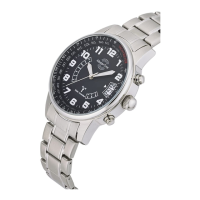
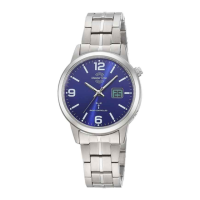
OPERATING MANUAL: radio-controlled movement W347A, transmitter DCF77 Mainflingen, Frankfurt am Main
Product features:
--- With radio controlled function.
--- with battery low indicator.
--- the user can change the time zones for UK, Germany and Greece.
--- automatically setting DST or Winter time
--- day can be displayed in English, Germany or Japanese
--- long battery life for 4 to 5 years
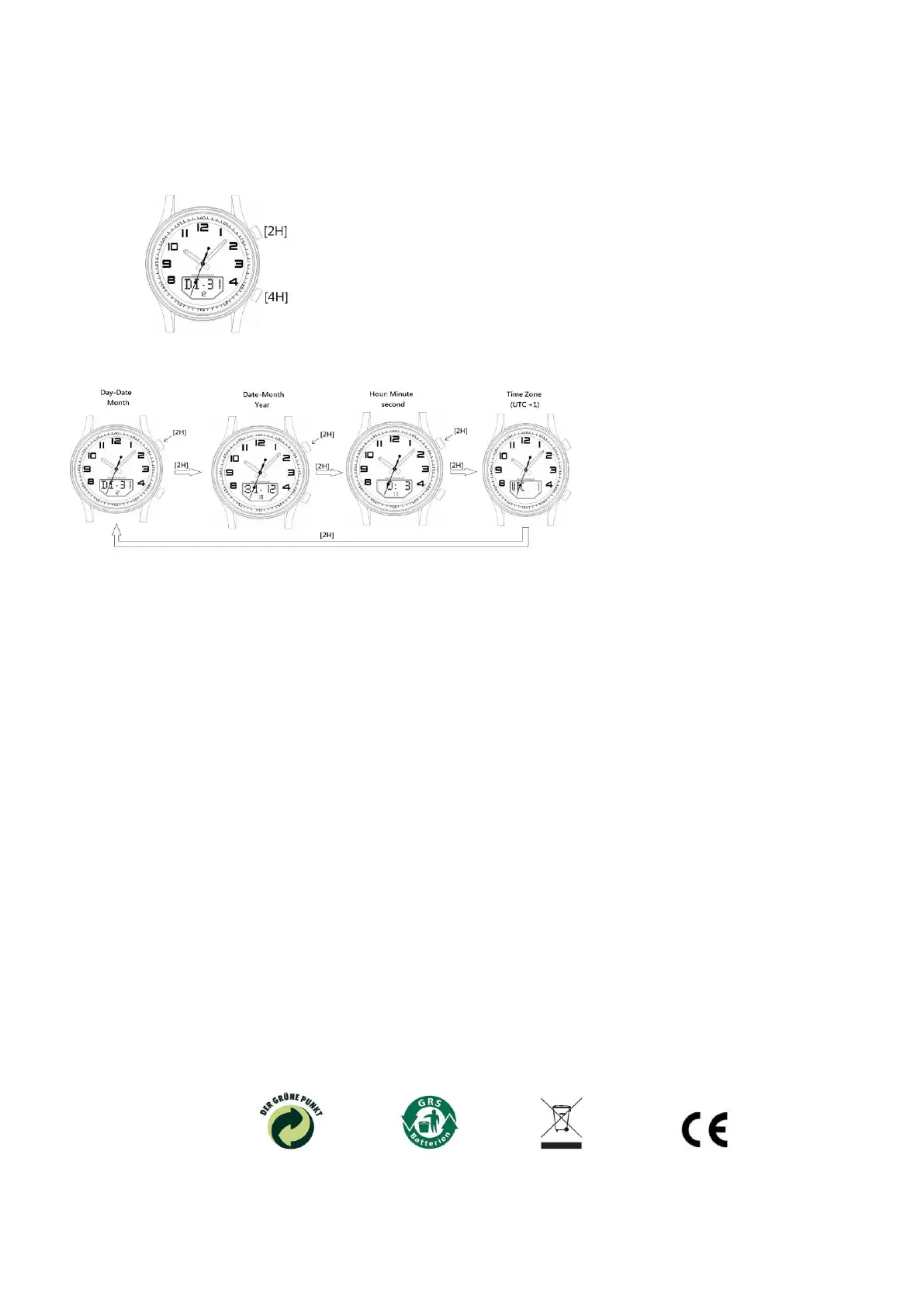
Dial and Pusher Buttons
Main LCD Display Mode:
By press button [2H], following display mode can be shown one by one.
1. Time Signal Recepition
To activate the time signal reception by holding down [2H] for about 3 second. the time signal reception will take 3 to 8 minutes. If the reception is successful, the
antenna icon will be displayed.
2. Manual setting the analog time zone
When time zone is displayed, press and hold pusher [4H] for about 3 second it will enter the setting mode: time zone is flashing and then press [2H] can change
the time zone to 0 for UK,1for Germany and 2 for Greece. Complete the setting by press [4H] and the hands will fast rotate to new position and LCD will be update
accordingly.
3. The language to display the day
When day is displayed, press and hold [4H] for about 3 seconds, the LCD will flashing, press [2H] to change the setting to GE for Germany, JP for Japanese or
En for English. press[4H] to confirm the setting, day will be display in the language changed.
4. Low battery indication
When battery is low, LB will be displayed.
5. Hand Calibration
The second hand may lost synchronization with the digital time due to strong external magnetic field or mechanical shocking. When second hand is moving
normally, hold both [2H] and [4H] for about 5 seconds, the LCD will first show MP 0, press [2H] once will increment the second hand or hold it for about 3 seconds,
the second hand will be rotating continuously , press again will stop it. In this way, adjust both second hand and minute hand to 12H position then press [4H] once,
the display will change to HP X, if X is not match with the position of hour hand, press [2H] to change this figure so that it indicate the position of hour hand. For
example, the hour hand is stopped at 10 position, then press [2H] so that the LCD display HP 10.
End the calibration by press [4H]. It will go to reception and. After reception, the hand will be update quickly.
6. This point equates to the EMV guidelines of the EU.
7.Water Resistance according to DIN 8310
The water resistance rating is shown on the back of the watch. The rating for a new watch is as follows:
WR: Not water resistant.
3 Bar: Can withstand splashes of water while washing hands or rain.
5 Bar: Can withstand splashes of water while washing hands or rain. Suitable for taking a bath.
10 Bar: Can withstand splashes of water while washing hands or rain. Suitable for taking a bath and swimming but should not be used for diving.
Ensure that the crown is returned to the normal operating position before the watch comes in contact with water.
W347A / Stand 06/20
Trend News Europe GmbH, Eichholzer Str. 3c, D-21436 Marschacht


 To Previous Page
 Loading...