Dealer Information - Provides your
dealers contact information such as a
phone number.
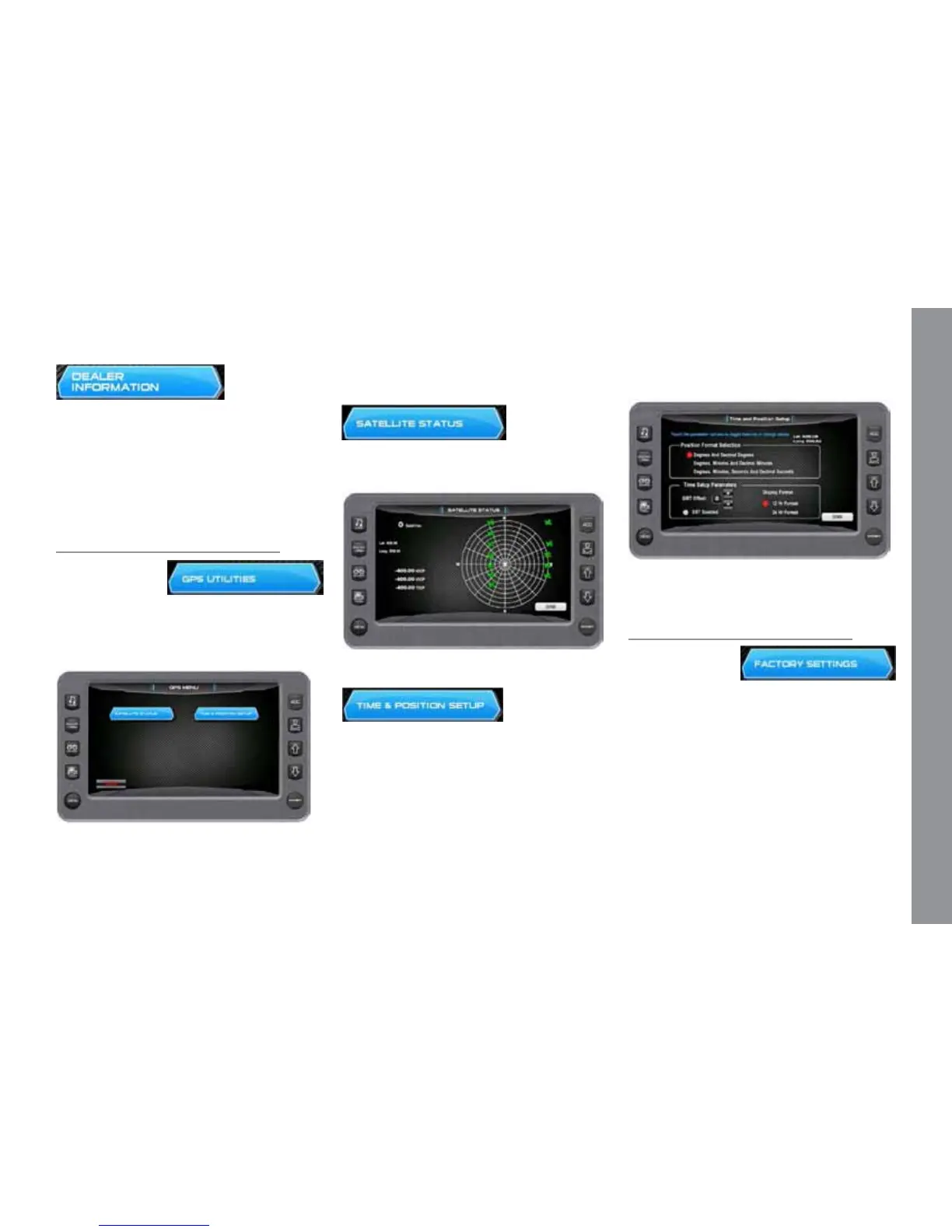
GPS Utilities
On the Settings
Menu, touch the
GPS Utilities touch
command to access the GPS Utilities screen.
e GPS Utilities include the Satellite Status
and the Time and Position Setup.
Touch Commands
Description
GPS Status - Displays the location of the
satellites.
Position Format Selection - Feature al-
lows you to dene the amount of detail to
display for longitude and latitude informa-
tion on the GPS map.
Time Setup Parameters – is is used
to select correct time zone and clock mode
for either 12-hour or 24-hour time formats.
You can also enable DST (Daylight Savings
Time) by using the PLUS/MINUS so keys
to select the box.
Factory Settings
On the Settings
Menu, touch the
Factory Settings
touch command to access the Factory Set-
tings screen. A Dealer code is required to
access this screen.
M A S T E R C R A F T P R O S T A R
2014 MasterCraft Owners Manual • ProStar Supplement Page 9-23


 To Next Page